
View Detailed Wallet Information
Coconut Wallet and Vault provide detailed information about each wallet.
1. Information in Wallet
On a wallet's detail screen, tap the wallet name to open Wallet Information.
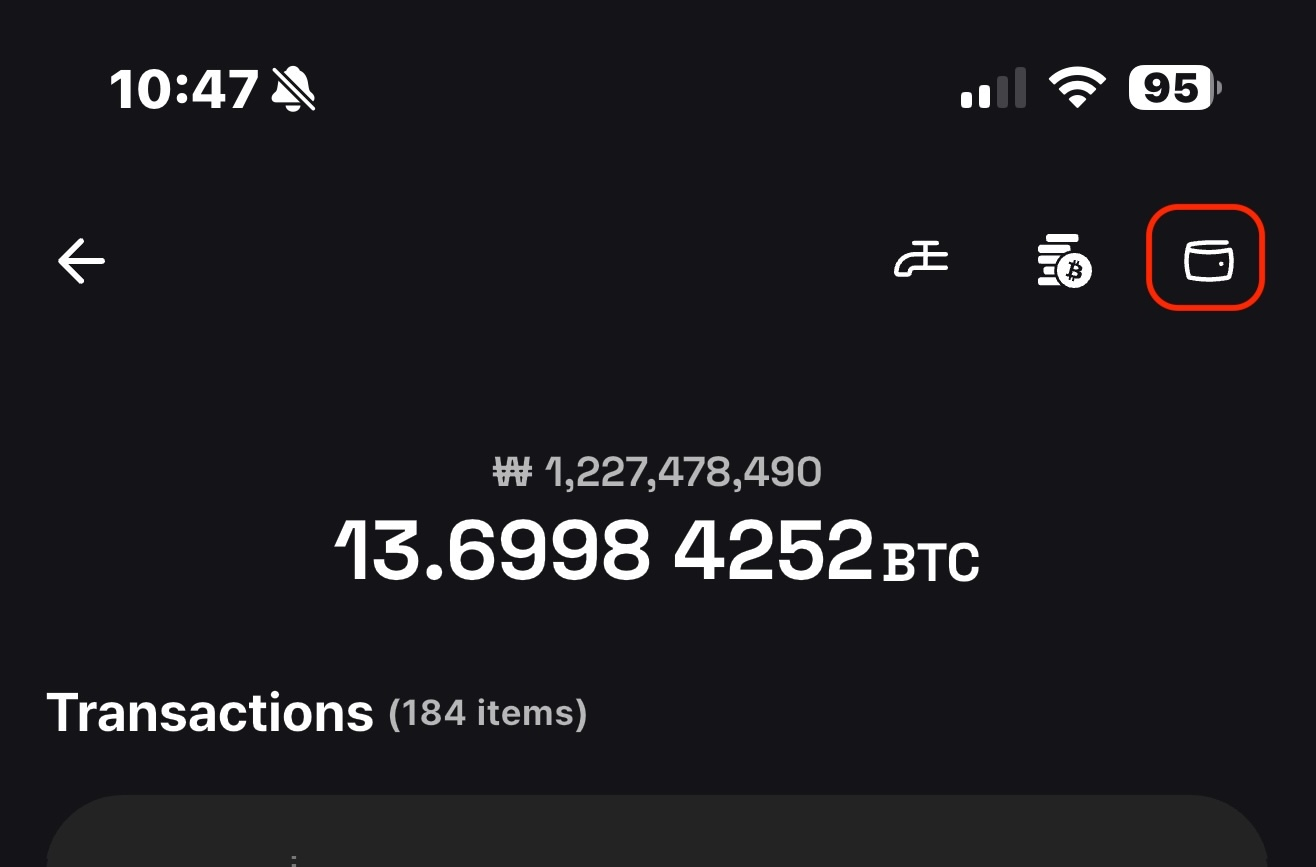
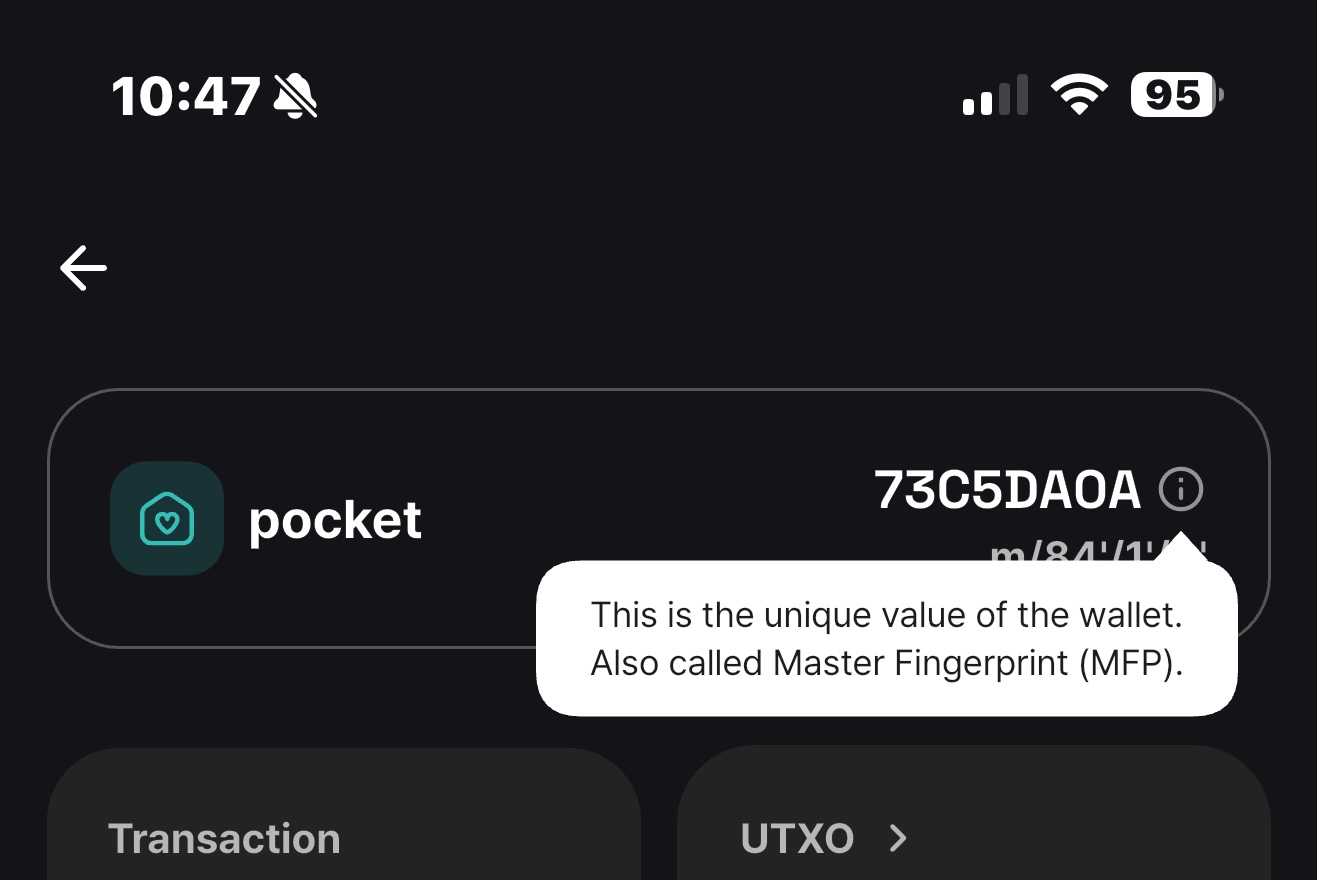
1) Wallet ID
This unique identifier is called the master fingerprint (MFP).
A root seed is the source from which a mnemonic wallet derives many private and public keys. The top-level public key derived from it is the master public key, and its fingerprint serves as the wallet's identifier.
2) View all addresses
Review the addresses derived by your wallet: receiving (external) addresses used to receive bitcoin and change addresses used to return change after spending.
3) View the extended public key
An extended public key can derive many public keys and therefore many Bitcoin addresses. It is what makes a useful watch-only wallet possible.
An exposed extended public key reveals that all of its derived addresses belong together, so protect it as sensitive privacy information.
2. Mnemonic phrase
From the home screen, select a wallet, then tap [View Mnemonic] on the wallet details screen to view its mnemonic phrase.
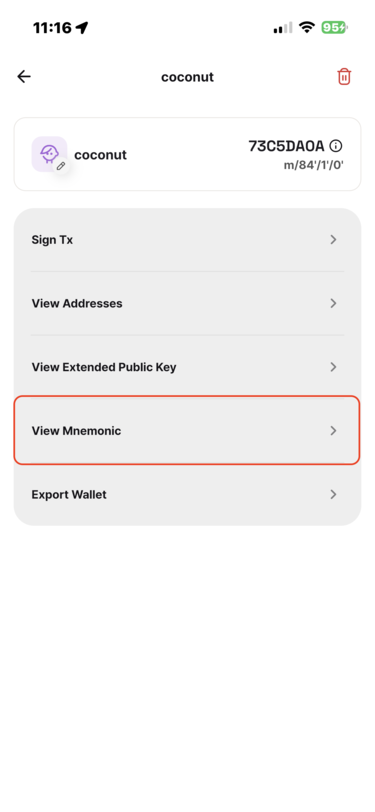
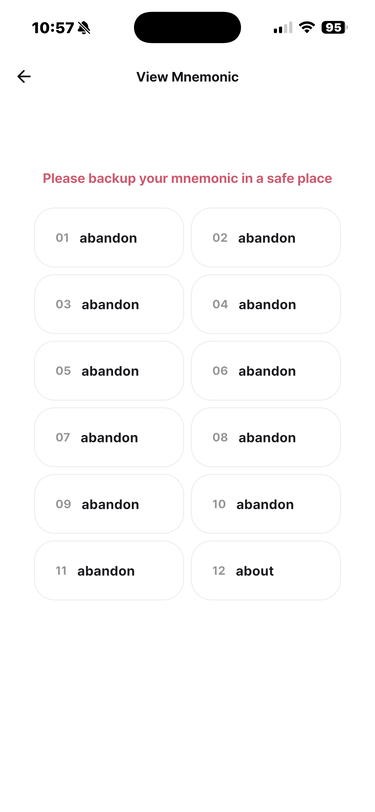
The mnemonic phrase and optional passphrase are encrypted in the device's secure storage. Authentication with your four-digit passcode or biometrics is required before viewing them.
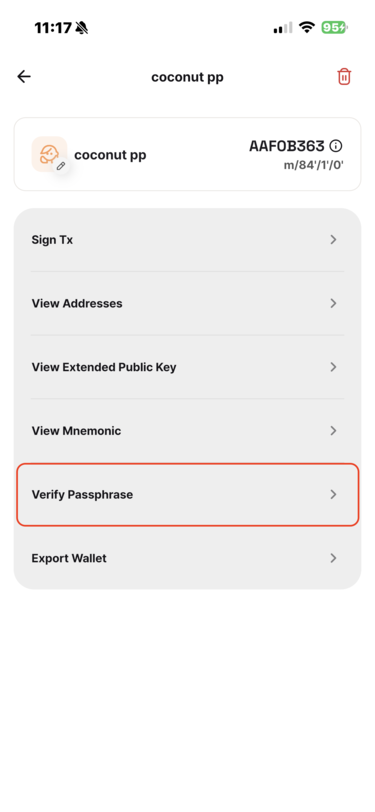
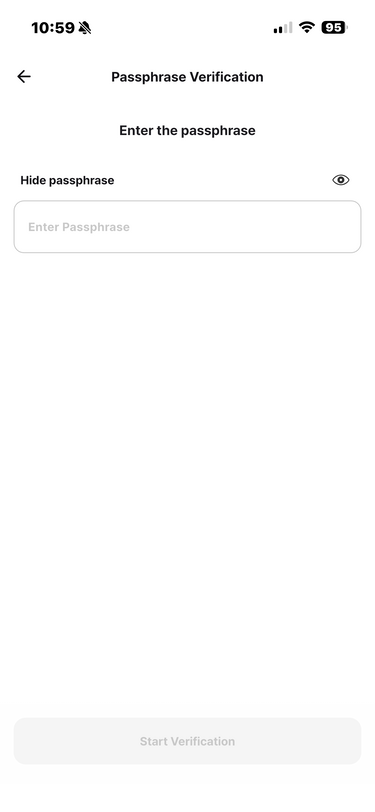
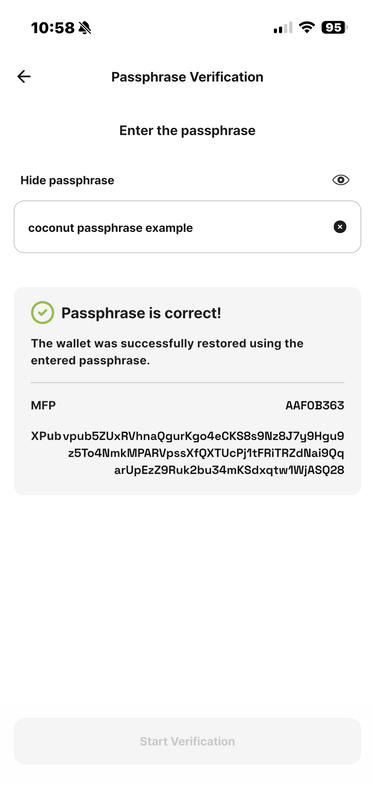
If the wallet uses a passphrase, tap [Verify Passphrase] and enter it to confirm that it restores the correct wallet.
When the passphrase is correct, Vault displays a confirmation together with the wallet's master fingerprint and extended public key.
3. Mnemonic word list
Both Vault and Wallet include the BIP-39 mnemonic word list. Open Home → More → Mnemonic Word List.
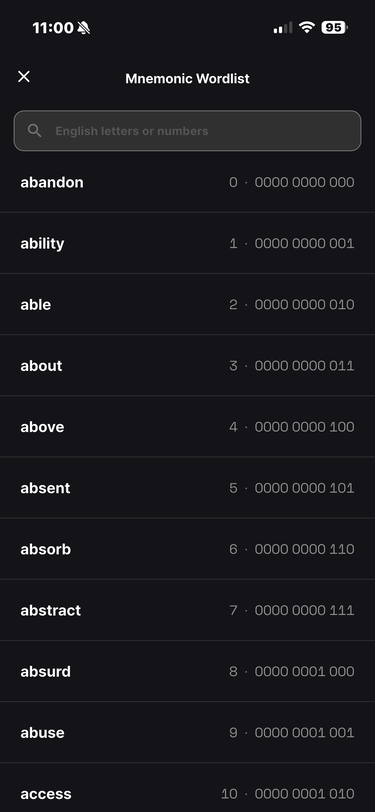
The Mnemonic Word List in Wallet