
View Addresses
You need wallet addresses to receive and send bitcoin.
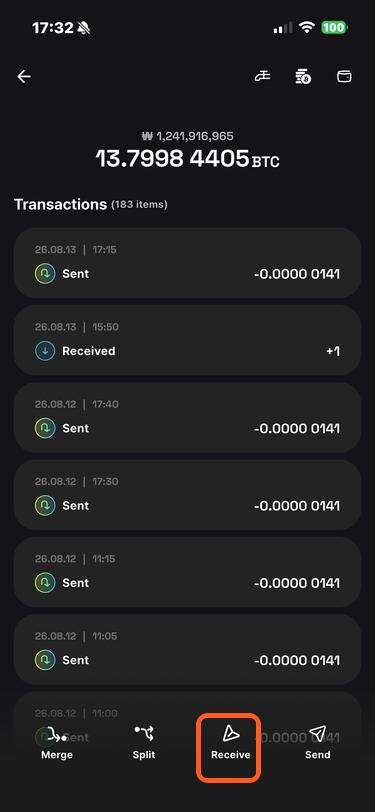
On the Wallet home screen, select a wallet to open its details, then tap Receive.
The screen displays an unused receiving address.
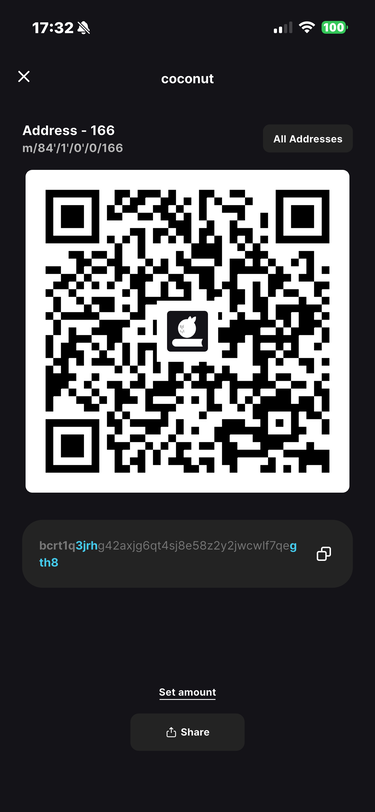
Q. What does “Address - N” mean?
A Bitcoin wallet generates many addresses in sequence. They are broadly divided into receiving addresses and change addresses.
Address - N is the address at index N in the receiving branch. For the derivation path shown here, it corresponds to
m/84'/1'/0'/0/N. Indexes begin at zero, so Address - 0 is the first address and Address - 1 is the second.To inspect other addresses, tap View All Addresses. The list shows each address and whether it has been used.
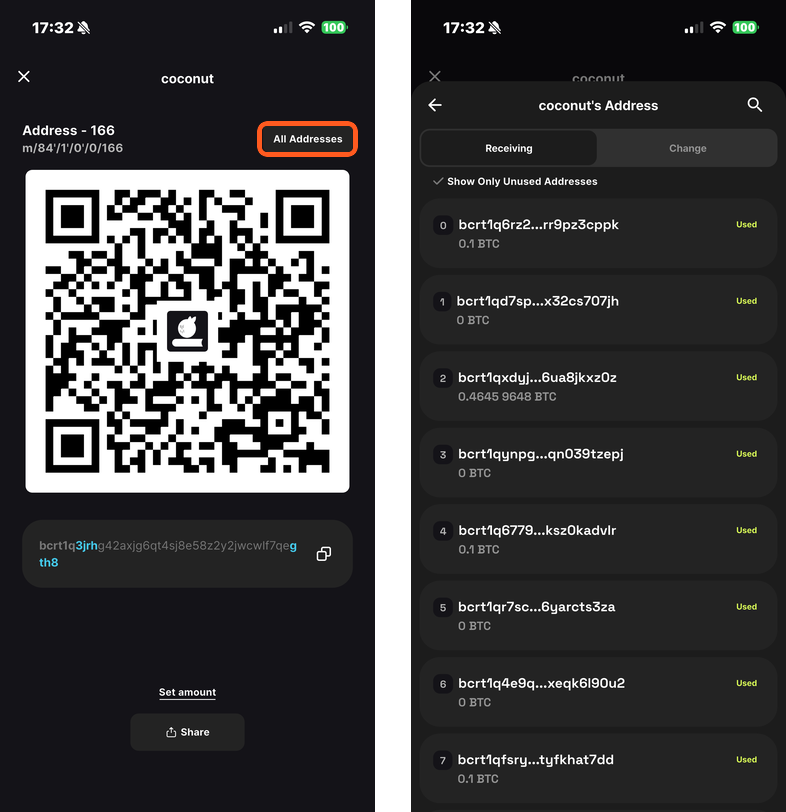
Enable Show Unused Addresses Only to filter the list. Select an address to display its QR code and text.
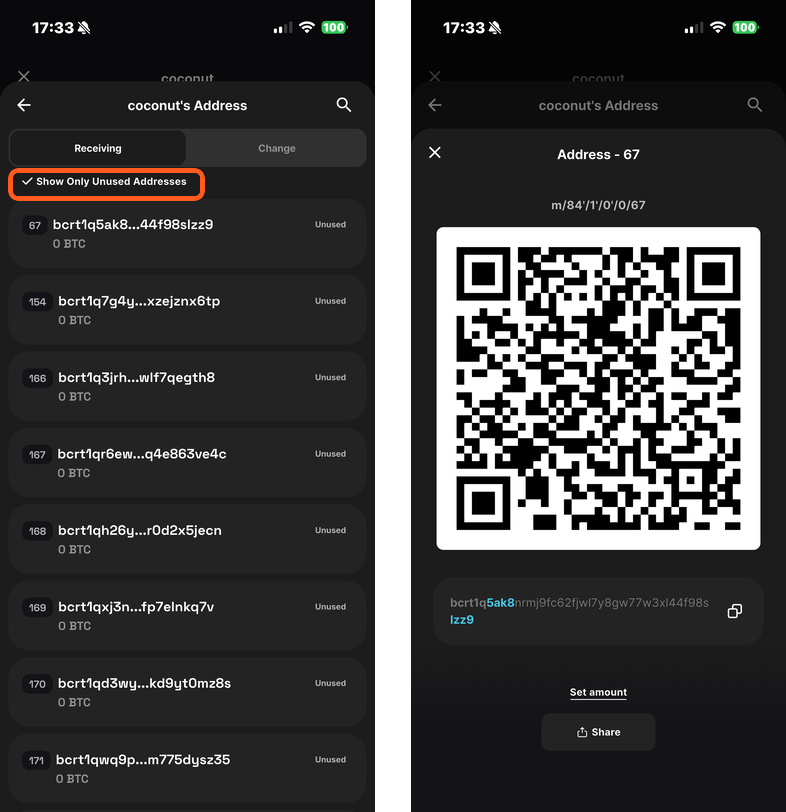
You can also view every wallet address from:
- Wallet: Wallet details → wallet name → Wallet Information → View All Addresses
- Vault: Select a wallet → View Addresses