
Create a Wallet with Coin Flips
You selected “Flip coin to create manually”. Prepare a coin before continuing.
Read the security checklist carefully and confirm every item.
This checklist explains how to manage a mnemonic phrase safely. The Next button becomes available after all items are checked.
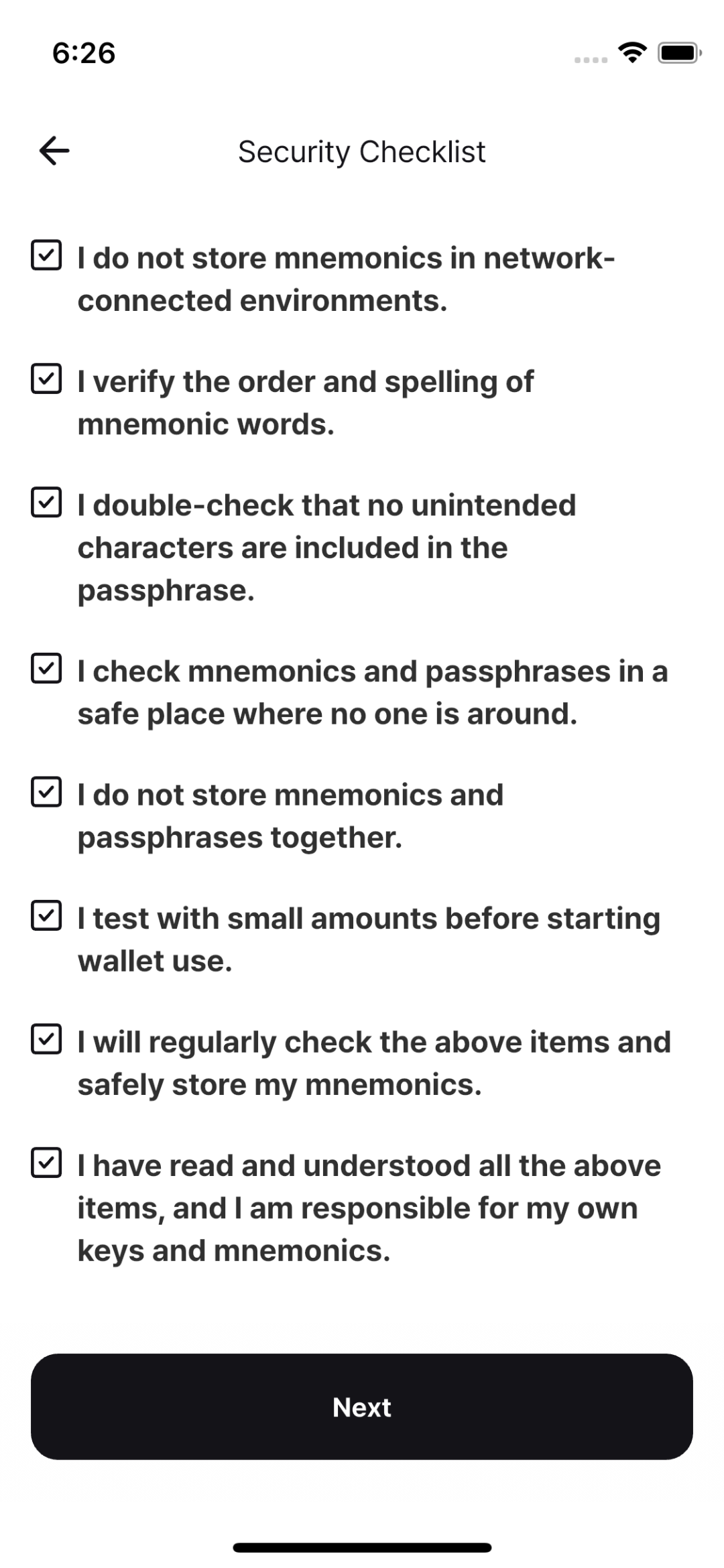
Review every item, then continue when the checklist is complete.
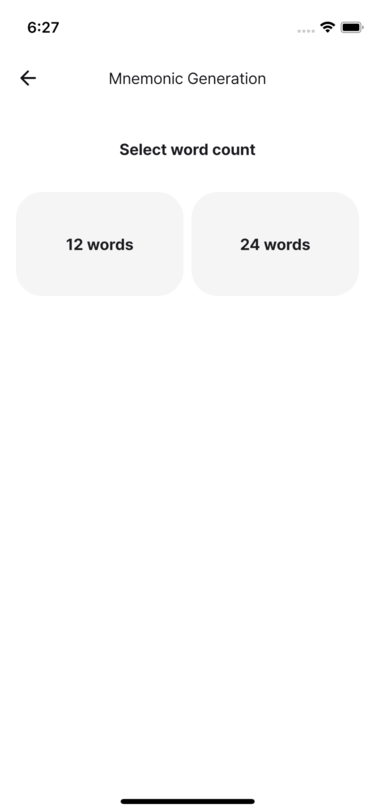
Select whether to create a 12-word or 24-word mnemonic phrase.
Q. Is a 12-word or 24-word mnemonic safer?
A 12-word mnemonic provides 128 bits of security; a 24-word mnemonic provides 256 bits. Although 24 words are mathematically more resistant to brute-force attacks[1], additional complexity can make a backup harder to manage safely. Choose a length you can protect reliably. Experts including Adam Back have said that 12 words are sufficient[2].
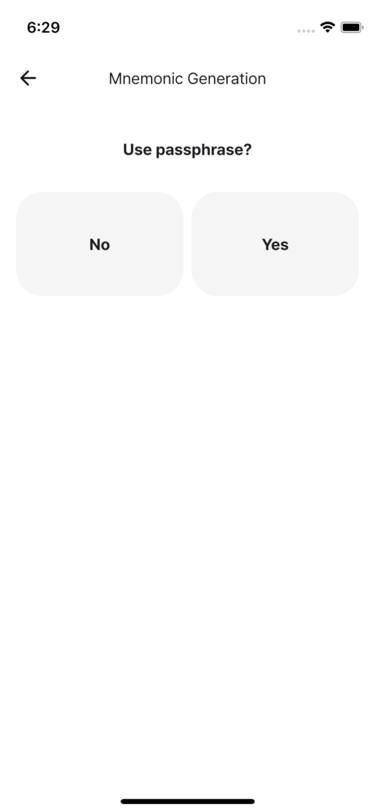
In Signing-Only Mode, choose whether to use a passphrase.
- To use one in Secure Storage Mode, enable Home → Settings → Advanced → Use passphrase.
Passphrase benefits and precautions
A passphrase can protect your bitcoin even if the mnemonic is exposed. However, forgetting the passphrase makes the wallet permanently unrecoverable. Its flexibility can also make it harder to remember and store safely.
When using a passphrase:
- Understand the added complexity and management burden before choosing one.
- Verify that the intended passphrase was entered exactly.
- Periodically confirm that the mnemonic and passphrase restore the same wallet.
- Always store the mnemonic phrase and passphrase separately.
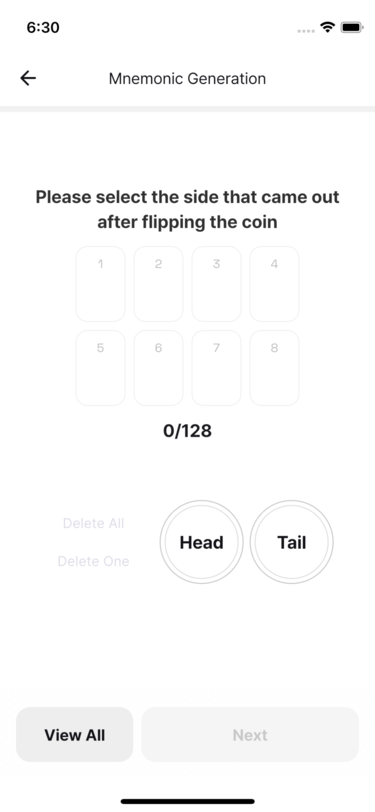
Flip your coin and enter each result in the app.
- Depending on the passphrase setting, input may take one or two stages.
Tip
Flip several coins at once to enter results more quickly.After completing every input, tap Next to generate the mnemonic phrase.
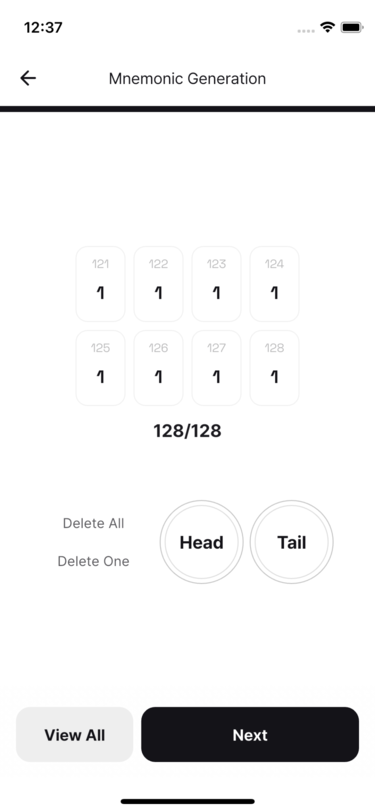
Read the warning and back up the mnemonic phrase securely. Never store it online. Write it on paper, verify spelling and order, then tap Done.
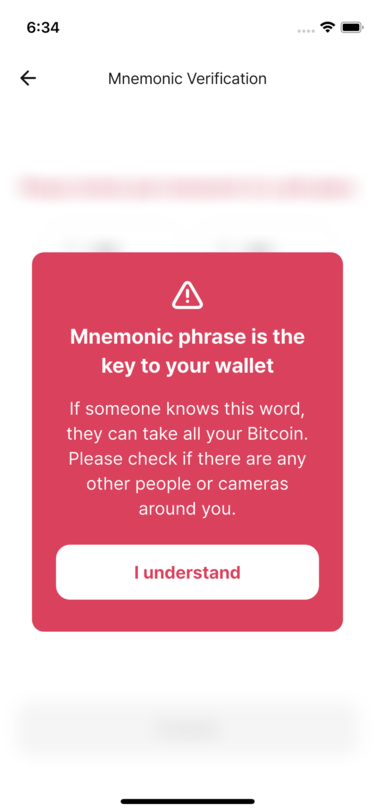
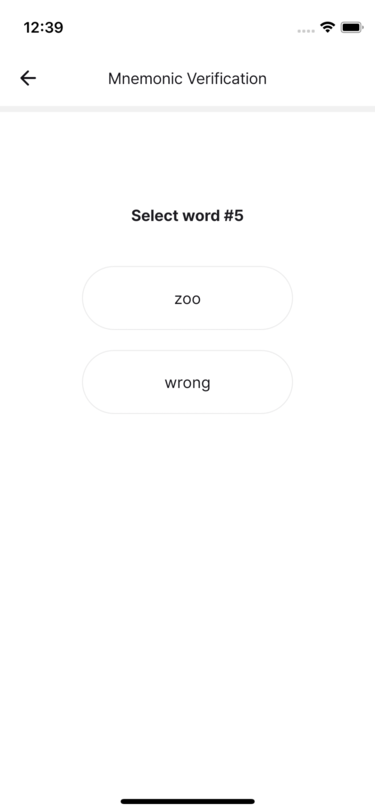
Use your backup to select the requested words and complete the verification.
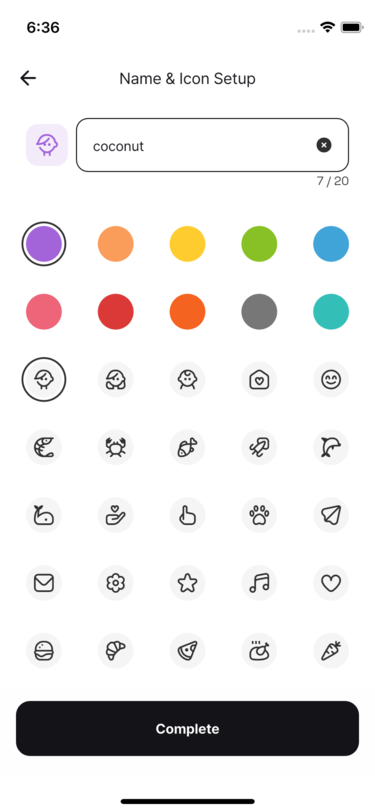
Give the wallet a clear, purpose-based name, then tap Done. Passphrases are not stored, so back yours up separately.
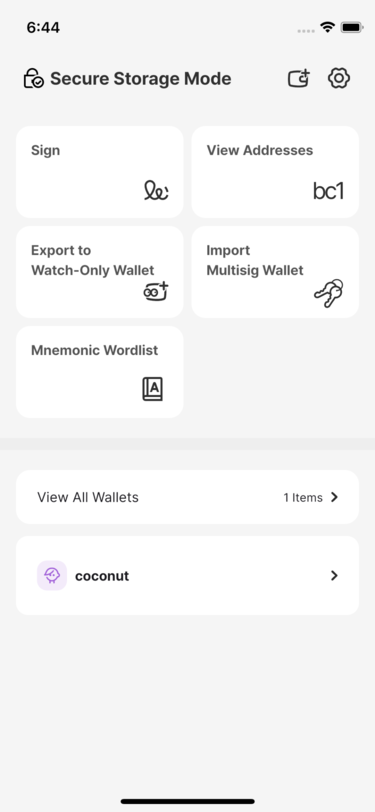
After saving, the new wallet appears on the home screen.
A brute-force attack tries every possible combination to discover a secret or password. ↩︎
Adam Back's post: https://x.com/adam3us/status/1635218357493563392 ↩︎