
Create a Wallet with Dice Rolls
You selected “Roll dice to create manually”. Prepare a die before continuing.
Read the security checklist carefully and confirm every item.
This checklist explains how to manage a mnemonic phrase safely. The Next button becomes available after all items are checked.
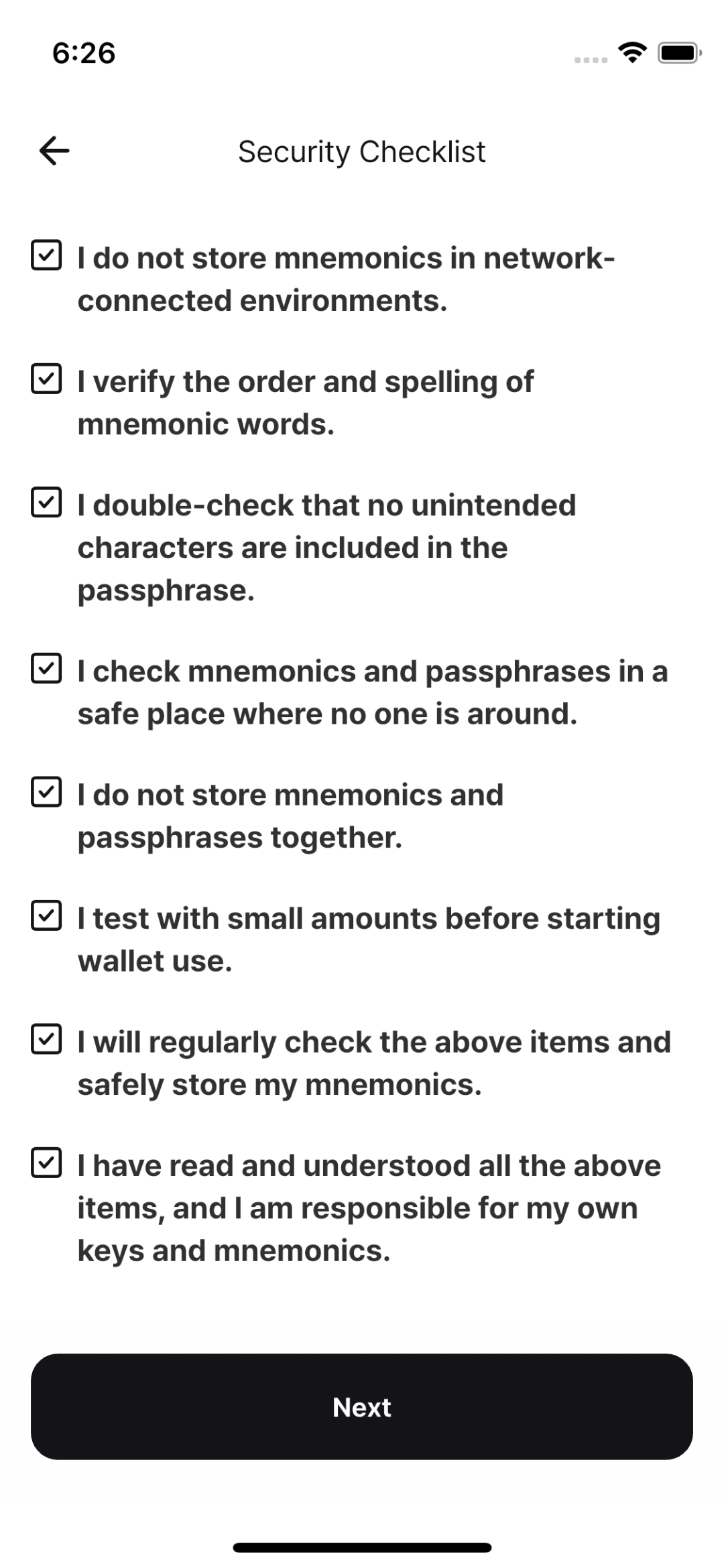
Review every item, then continue when the checklist is complete.
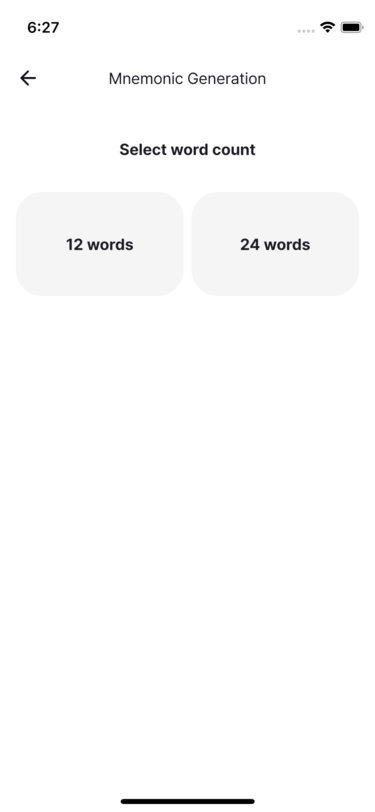
Select whether to create a 12-word or 24-word mnemonic phrase.
Q. Is a 12-word or 24-word mnemonic safer?
A 12-word mnemonic provides 128 bits of security; a 24-word mnemonic provides 256 bits. Choose the backup length you can manage safely. Experts including Adam Back have said that 12 words are sufficient[1].
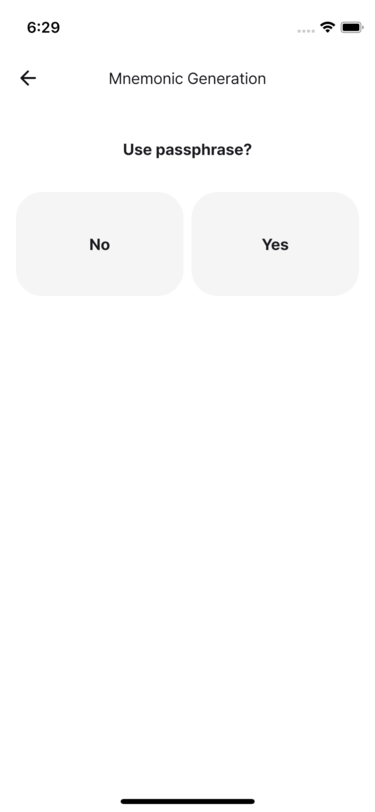
In Signing-Only Mode, choose whether to use a passphrase.
- In Secure Storage Mode, enable Home → Settings → Advanced → Use passphrase.
Roll the die and enter each result in the app.
- Depending on the passphrase setting, input may take one or two stages.
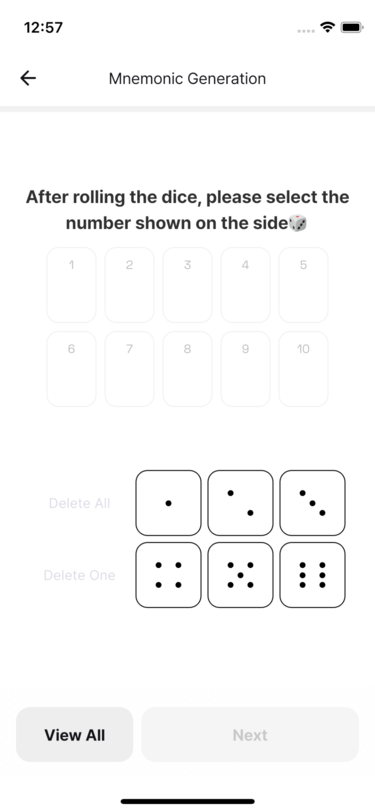
When every input is complete, tap Next to generate the mnemonic phrase.
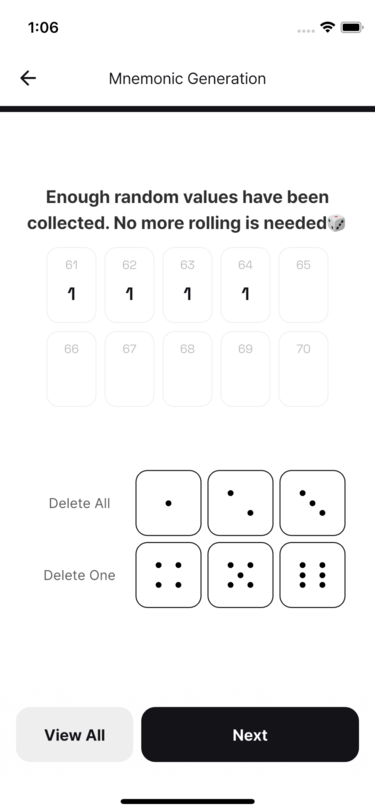
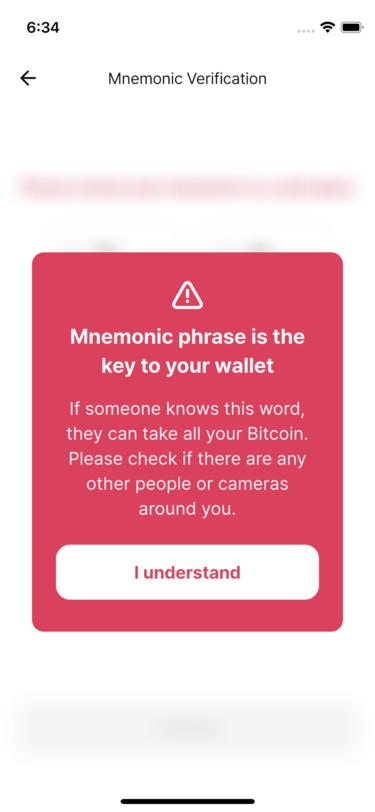
Read the warning, then back up the mnemonic phrase securely. Never save it online. Verify the spelling and order before tapping Done.
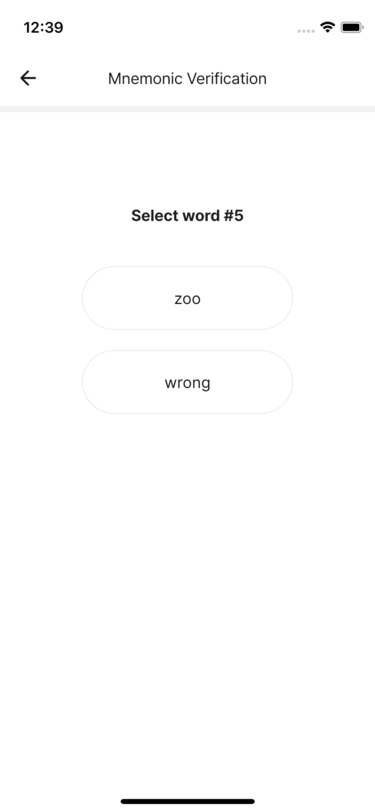
Select the requested words from your backup to complete verification.
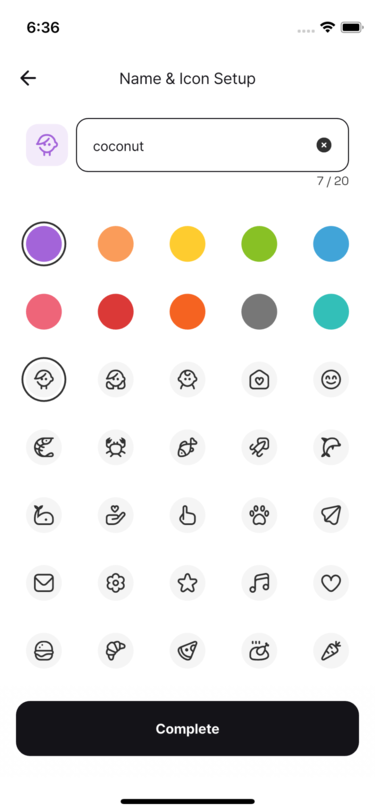
Choose a recognizable wallet name, color, and icon, then tap Done.
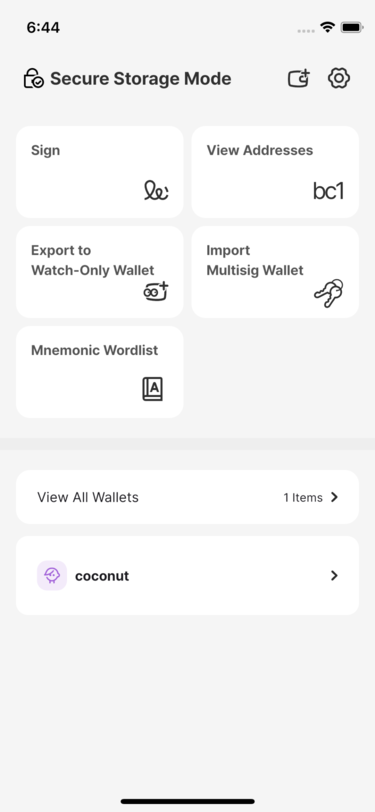
Confirm that the new wallet appears on the home screen.
Adam Back's post: https://x.com/adam3us/status/1635218357493563392 ↩︎