Import a SeedQR
You selected “I have a SeedQR backup”.
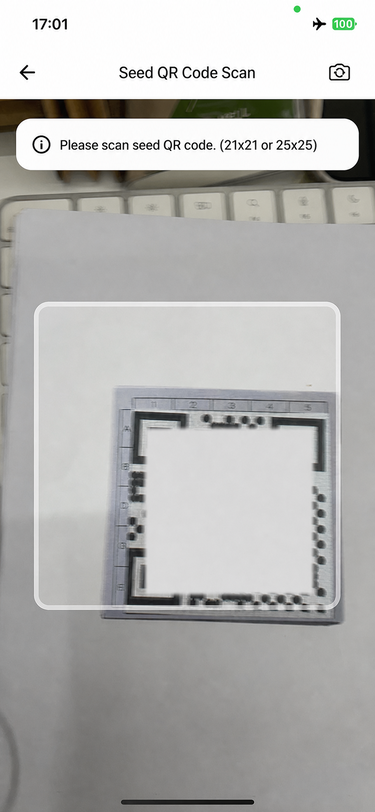
Allow camera access, then scan the SeedQR.
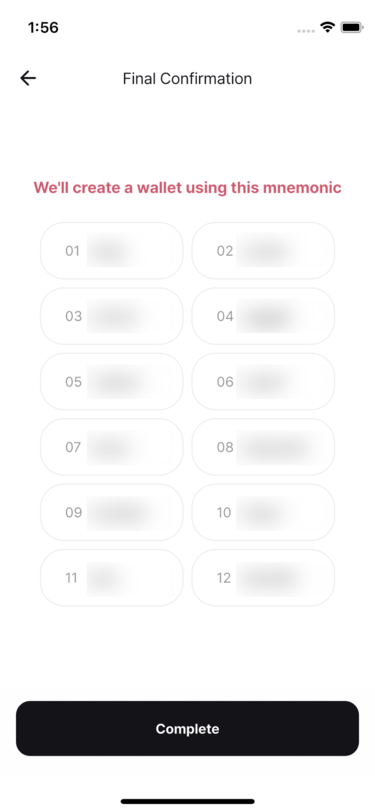
Review the decoded mnemonic phrase. To use a passphrase, enable Use passphrase and enter it, then tap Next.
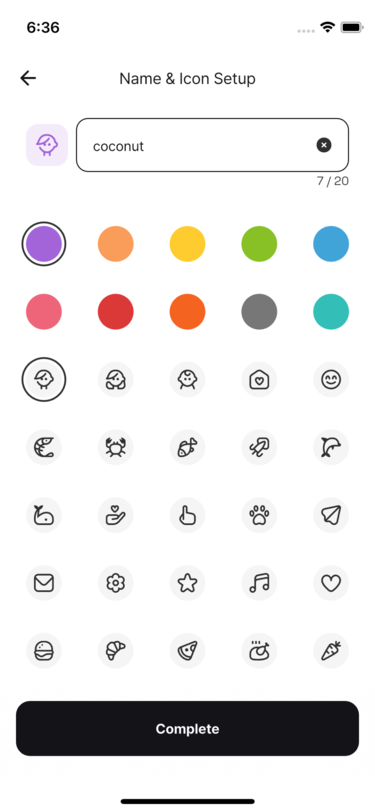
Choose a recognizable wallet name, color, and icon, then tap Done.
- Passphrases are not stored. If you use one, back it up separately.
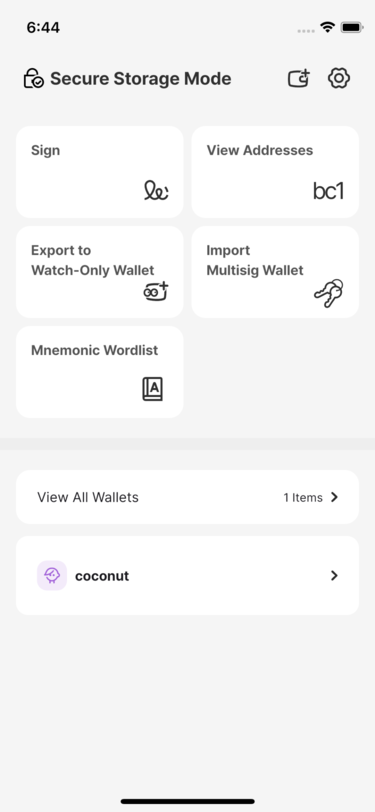
Confirm that the restored wallet appears on the home screen.