Back Up from Coconut Wallet to Vault
In this guide, you will back up a BSMS configuration from Coconut Wallet to Coconut Vault.
Prepare the paired Coconut Wallet watch-only wallet and Coconut Vault.
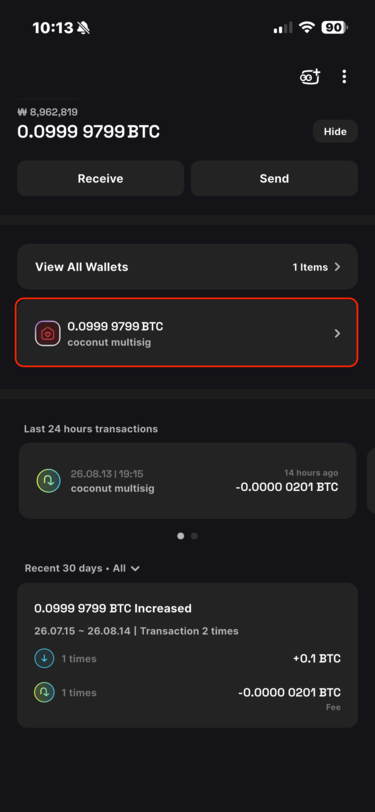
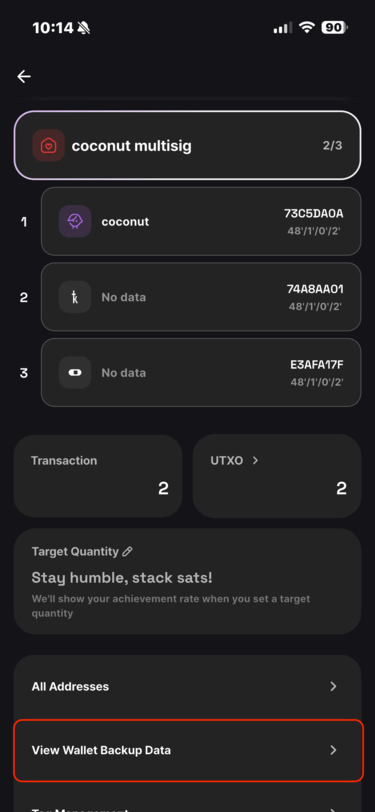
In Coconut Wallet, select the multisig wallet you want to back up to Vault.
Tap the [wallet icon] at the top.
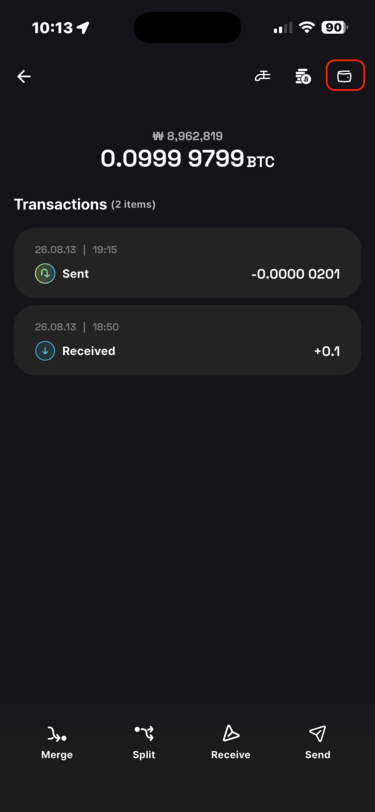
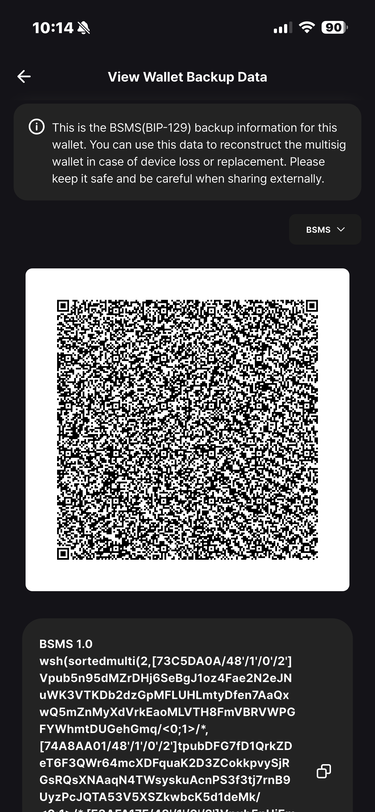
Tap [View Wallet Backup Data] at the bottom to display the BSMS QR code.
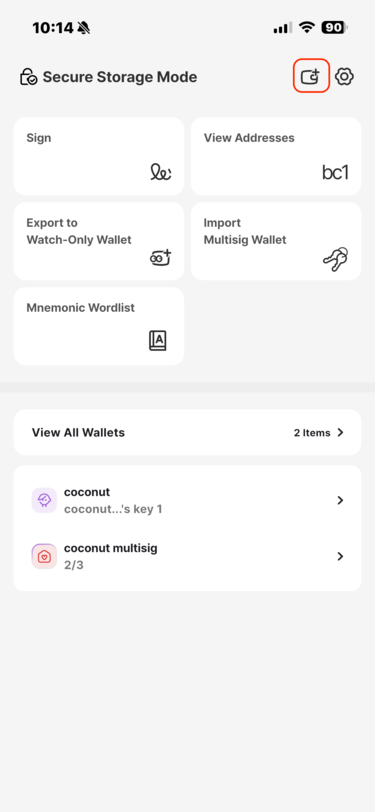
On the Coconut Vault home screen, tap [Add Wallet].
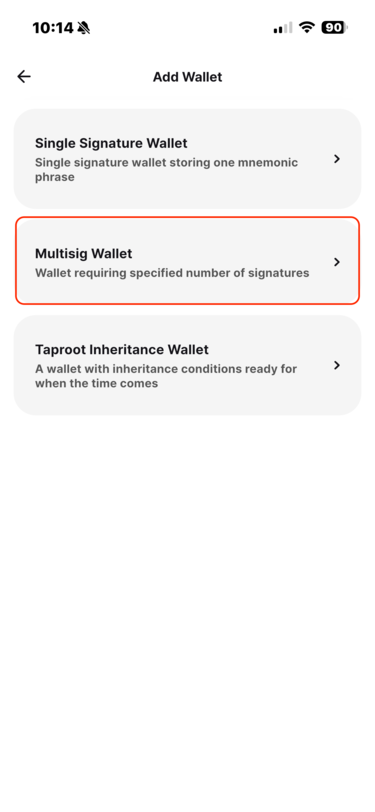
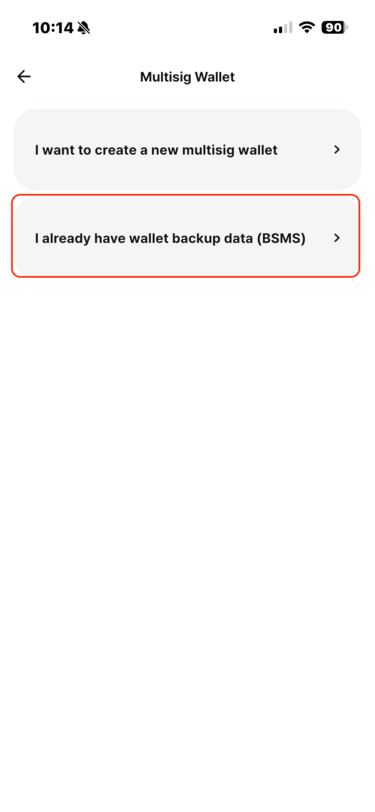
Select [Multisig Wallet], then tap [I Already Have Wallet Backup Data (BSMS)].
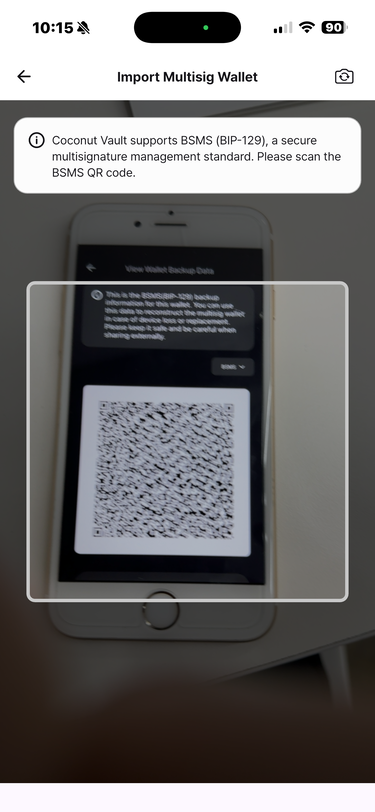
Use Vault to scan the BSMS QR code shown in Coconut Wallet.
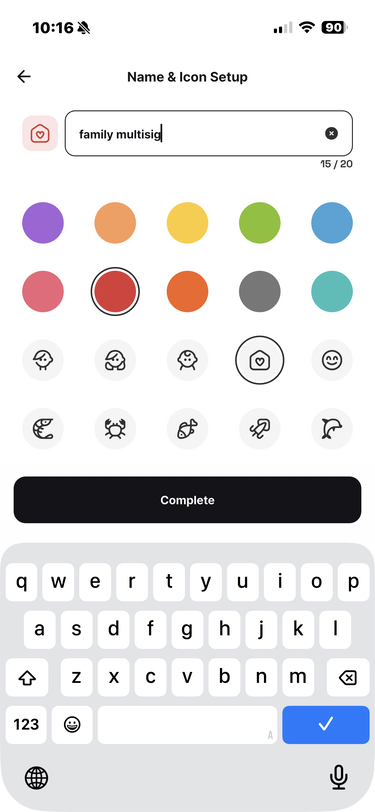
Set the wallet name, icon, and color.
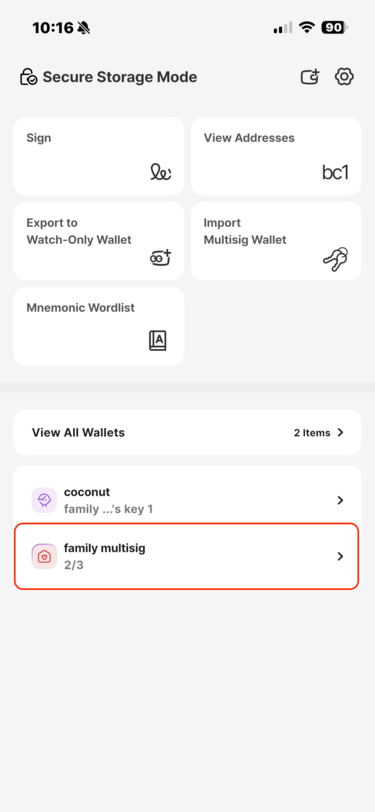
Tap [Complete] to finish restoring the multisig wallet configuration.