
Add a Wallet to Coconut Vault
The wallet list is empty when you first open Coconut Vault. Let's add your first wallet.
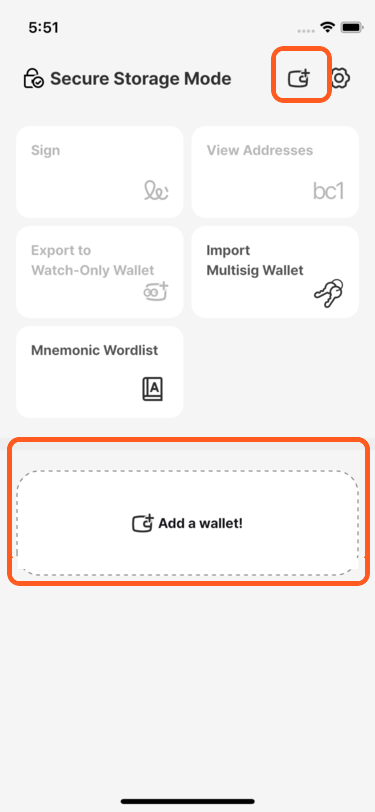
Tap the + button in the upper-right corner or the Add a wallet! button.
If you selected Secure Storage Mode, you must first create a password for opening Coconut Vault. Choose one you can remember. A password containing letters, numbers, and symbols offers stronger protection.
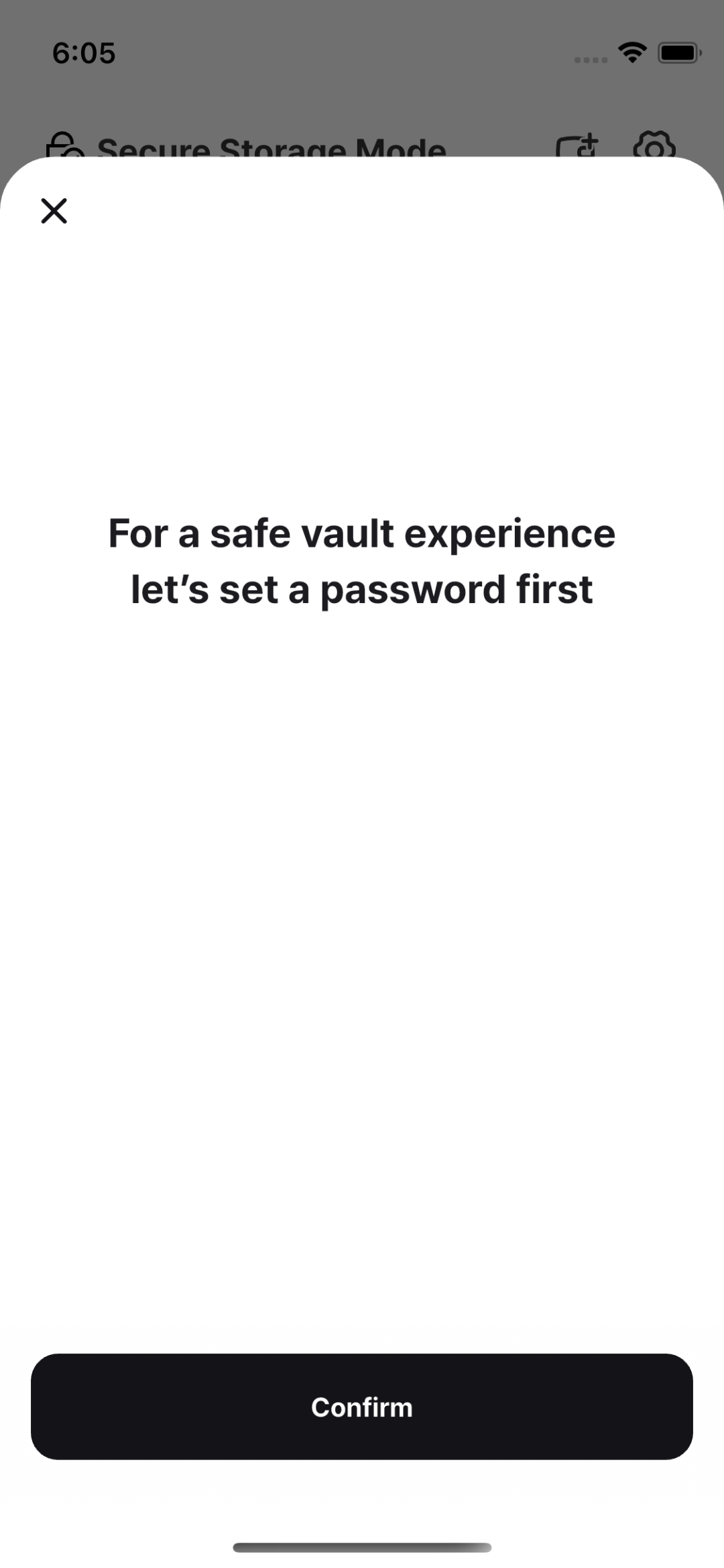
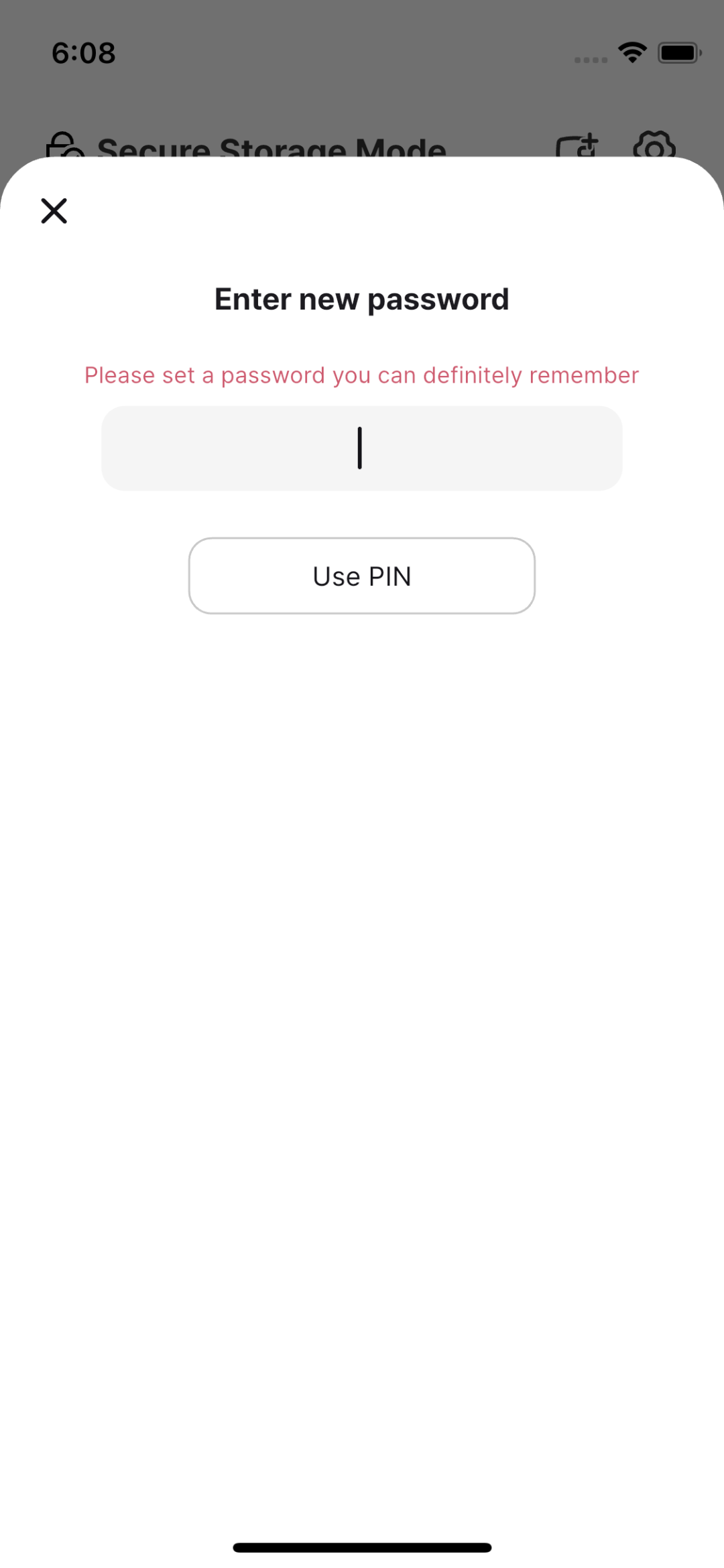
Start password setup, then enter a password you can remember.
Important password precautions
- Resetting a forgotten password also erases all data stored in Coconut Vault. This prevents someone who steals the device from changing the password and accessing your mnemonic phrase. Choose a six-digit PIN or alphanumeric password that you will remember.
- You have three attempts when entering the password. After three failures, you can restart the app after one minute. Further failures increase the delay to 5, 15, 30, 60, 180, 480, and 600 minutes. If every attempt fails, you must reset the password.
Follow the system prompt if the phone requests biometric authentication. Even when biometrics are disabled in Coconut Vault, the operating system may require authentication while securely storing data in the device's security module.
After setting the password, the Add Wallet screen appears. In this tutorial, we will create a single-signature wallet.
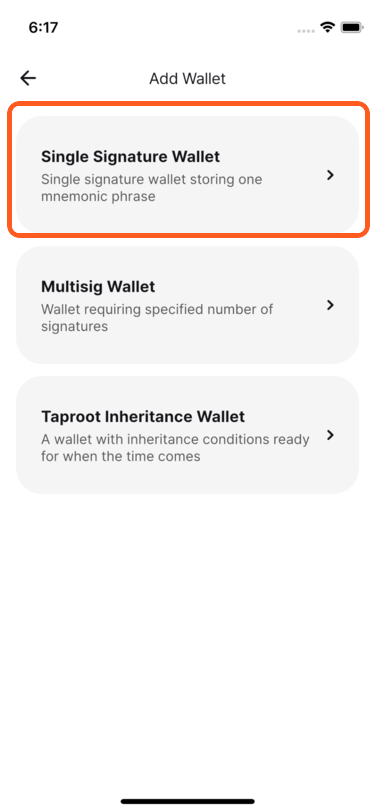
The app presents several ways to add a mnemonic phrase. Choose one of the following.
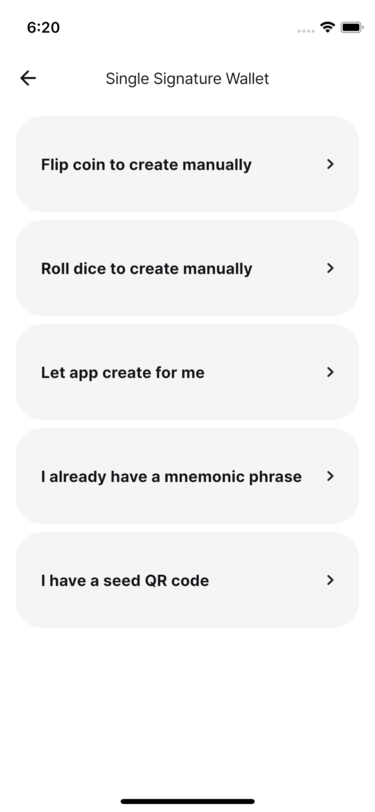
🪙 Create with coin flipsFor learners who want to generate a mnemonic phrase themselves
🎲 Create with dice rollsFor learners who want to generate a mnemonic phrase themselves
➡️ Let the app create oneFor quickly creating a training wallet and focusing on transaction practice
㊒ I have a mnemonic phraseFor people who already have a mnemonic phrase backup
㊒ I have a SeedQRFor people who already have a SeedQR backup
For a first real wallet, coin flips or dice rolls are the most commonly selected methods.
Coconut recommends creating a mnemonic with coin flips or dice, backing it up, and then restoring it in Vault to verify that the same wallet is recovered.