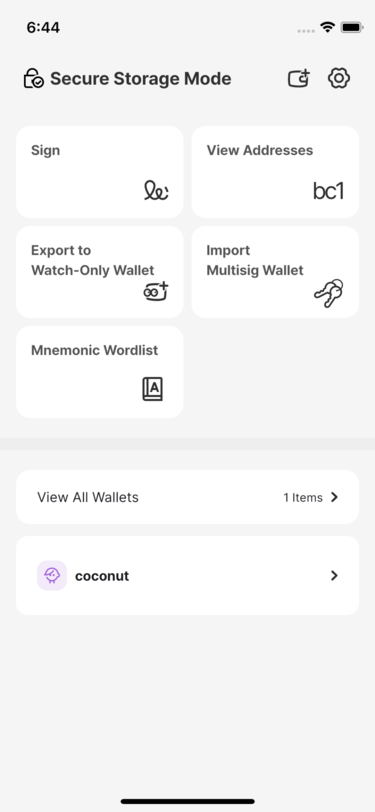
Generate a Wallet Automatically
You selected “Let app create for me”.
Read and complete every item in the security checklist.
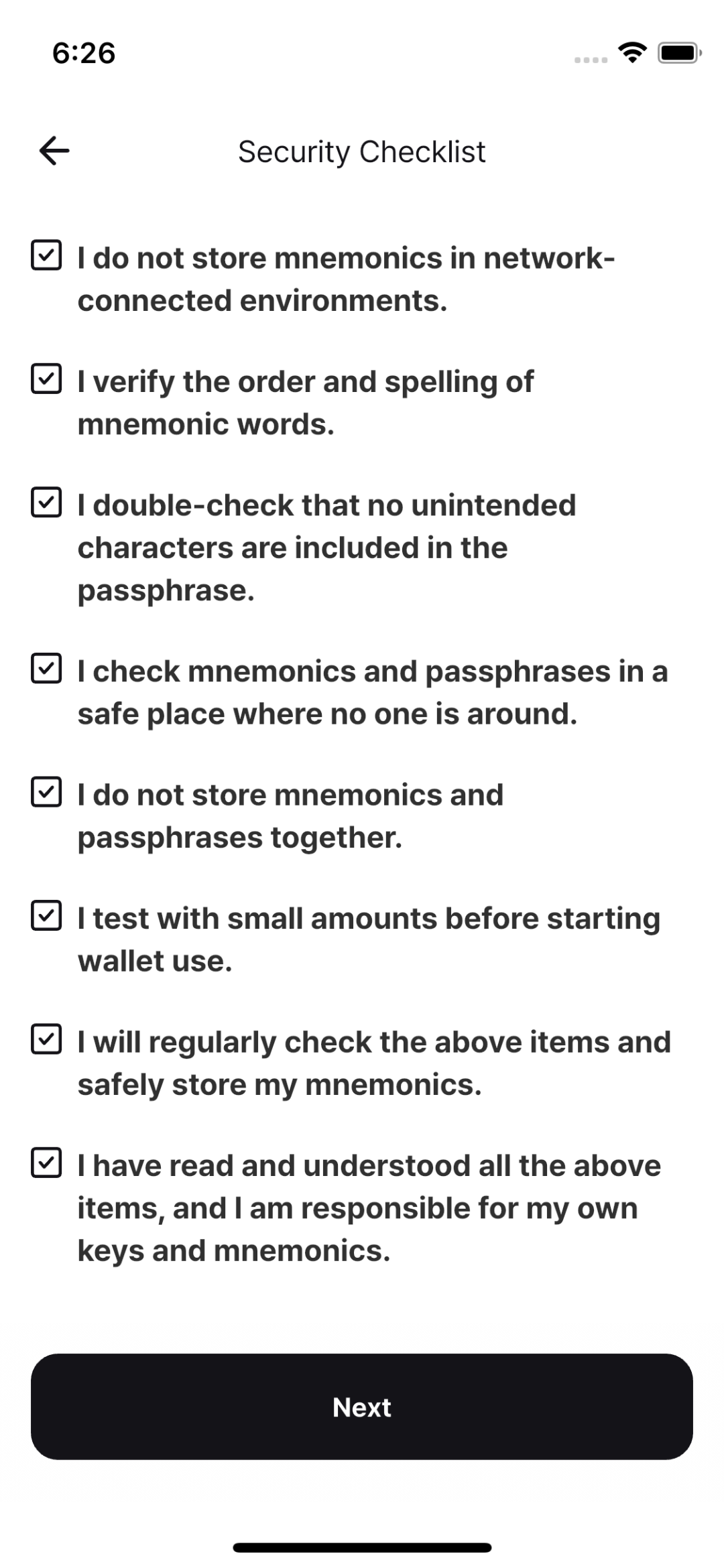
Review every item, then continue when the checklist is complete.
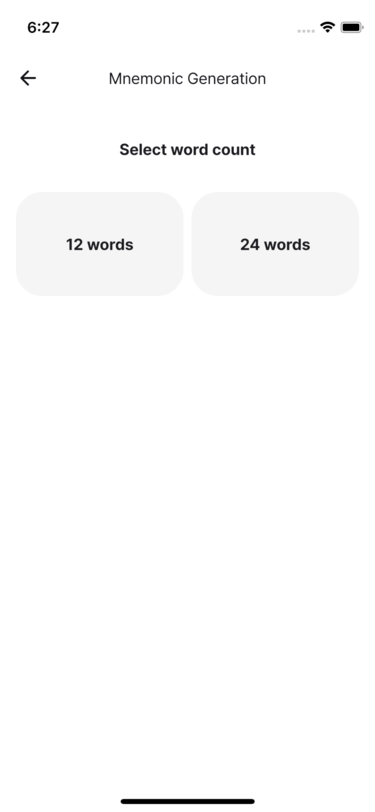
Select a 12-word or 24-word mnemonic phrase.
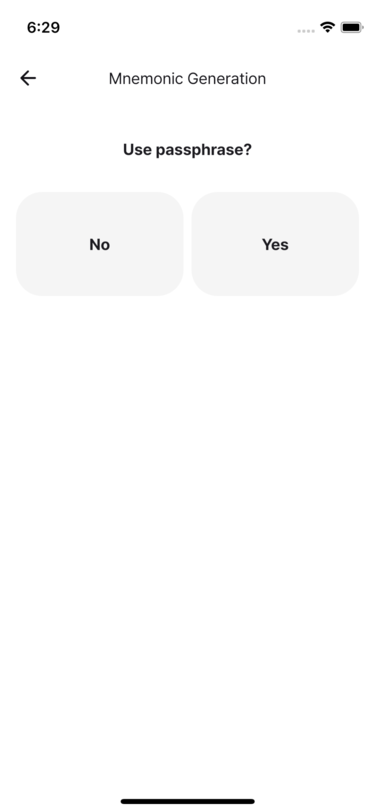
In Signing-Only Mode, choose whether to use a passphrase.
- In Secure Storage Mode, enable Home → Settings → Advanced → Use passphrase.
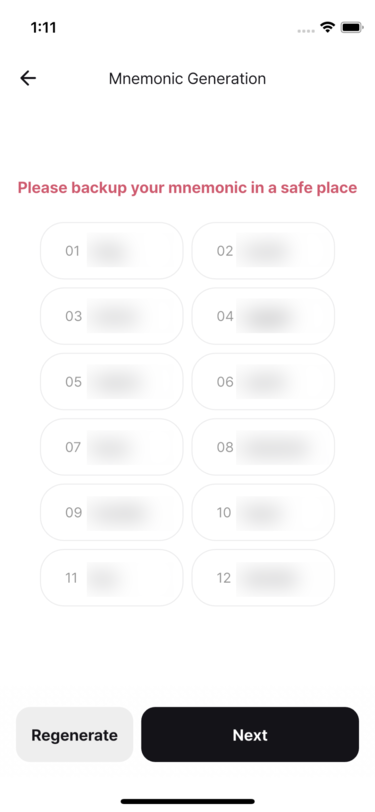
The app displays a randomly generated mnemonic. Tap Regenerate if you want a different one, then make an offline backup and tap Next.
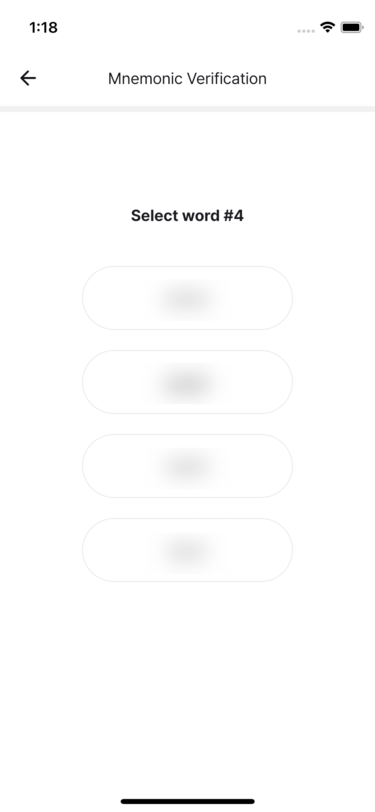
Select the requested words from your backup to verify it.
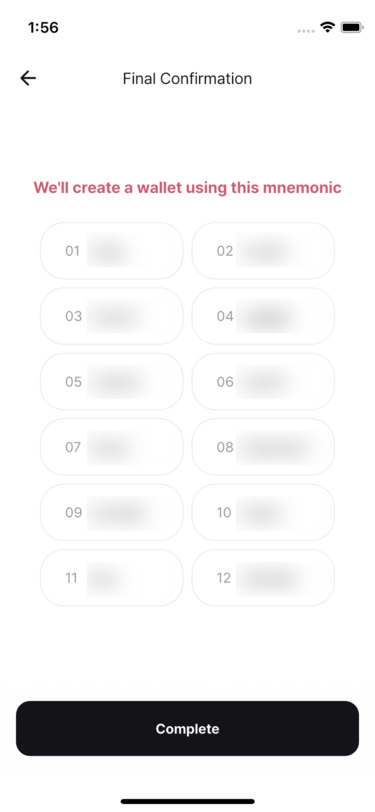
Review the final confirmation and tap Done.
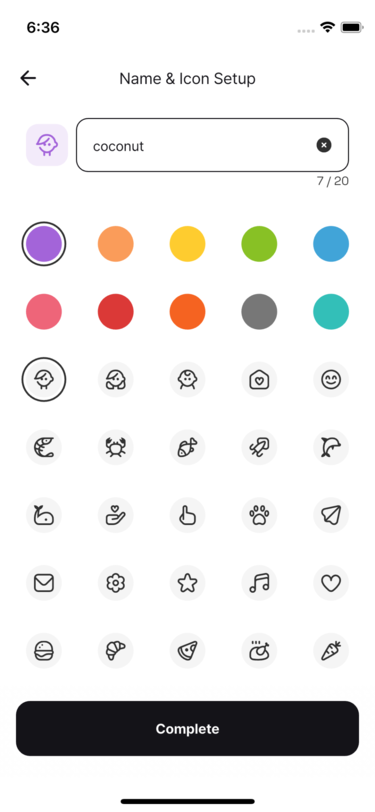
Choose a recognizable wallet name, color, and icon. Passphrases are not stored, so keep yours separately.
Confirm that the wallet appears on the home screen.