
Send a Multisig Transaction
In this guide, you will send bitcoin from a multisig wallet.
Because this is a 2-of-3 wallet, the transaction needs two of its three signatures. You can therefore sign with 1) Vault and Keystone, 2) Vault and SeedSigner, or 3) Keystone and SeedSigner.
- If you do not yet have one, complete Add a Multisig Wallet first.
- The multisig wallet needs a balance before you can practice sending. If you are using the training apps, obtain test bitcoin from the faucet.
Sign with Coconut Vault and SeedSigner
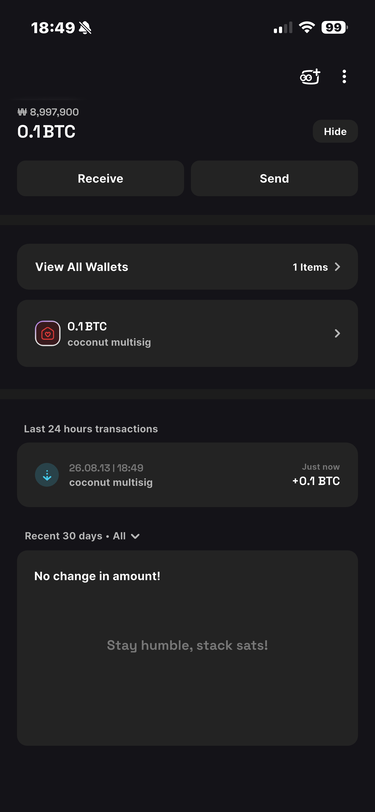
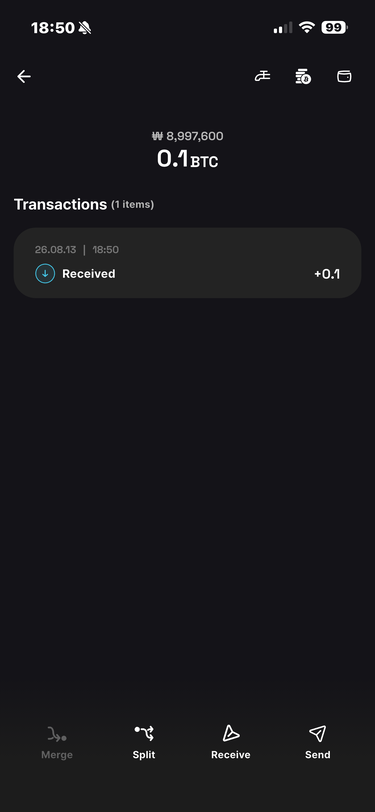
In Wallet, select the multisig wallet you want to spend from.
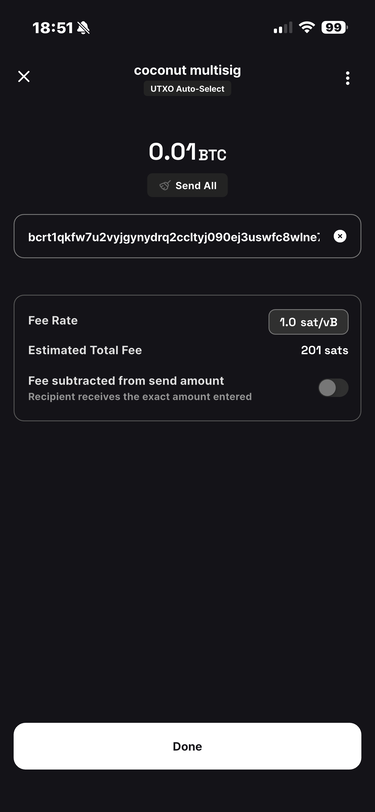
Tap [Send] and create the transaction.
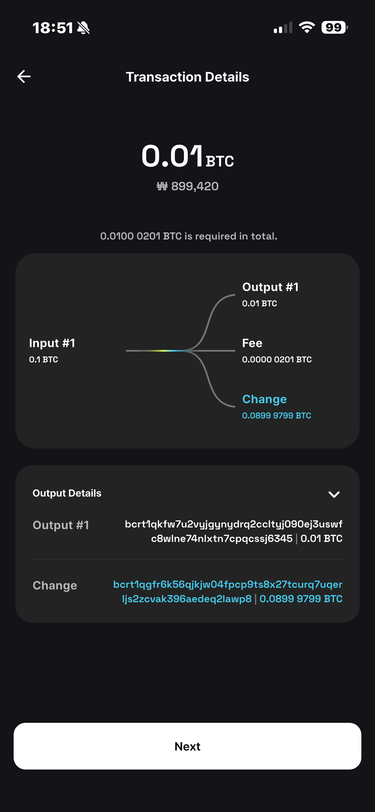
Review the details and tap [Next] to display an animated QR code.
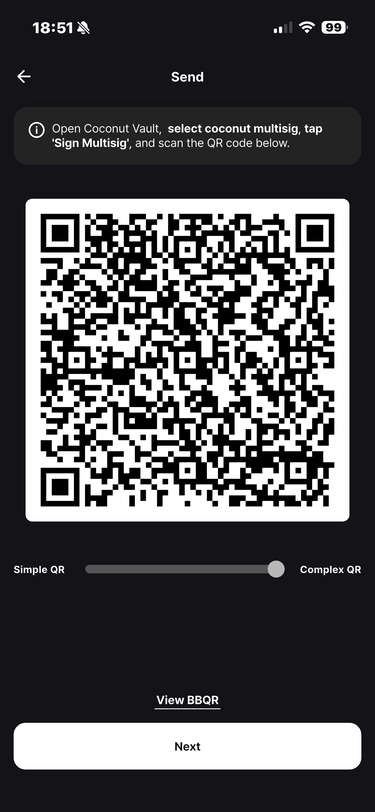
Scan the QR code with a Vault that contains a key for this multisig wallet.
After the scan finishes, review the details and tap [Next].
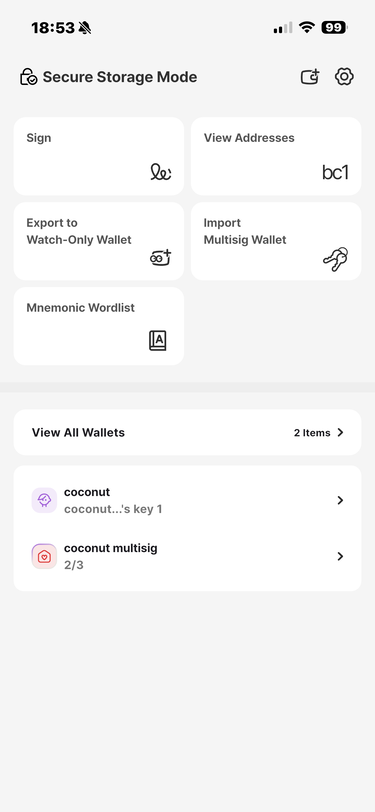
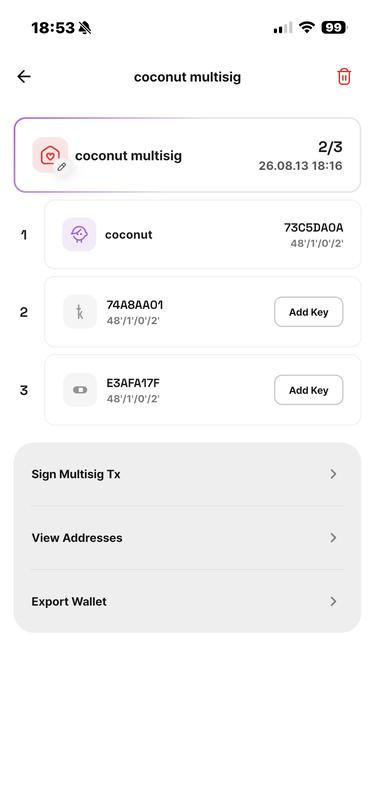
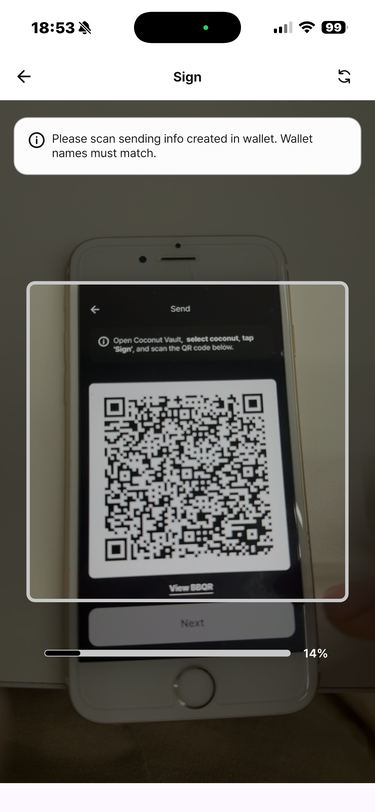
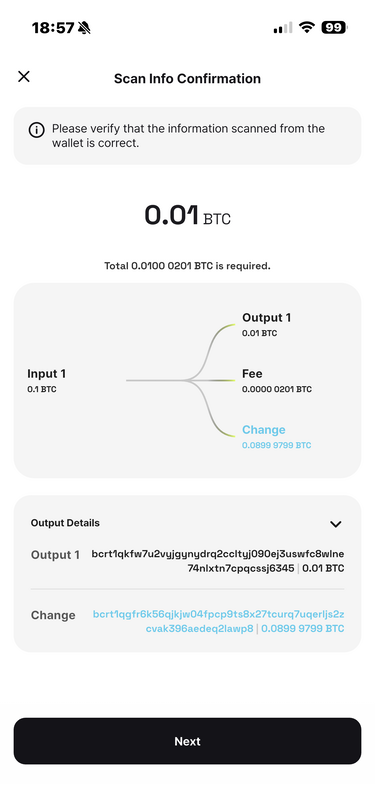
Follow the signing instructions shown in Vault.
Sign with Coconut Vault (1 of 2)
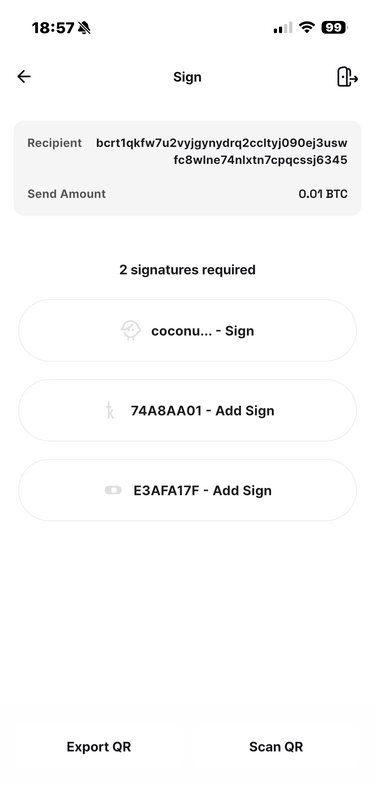
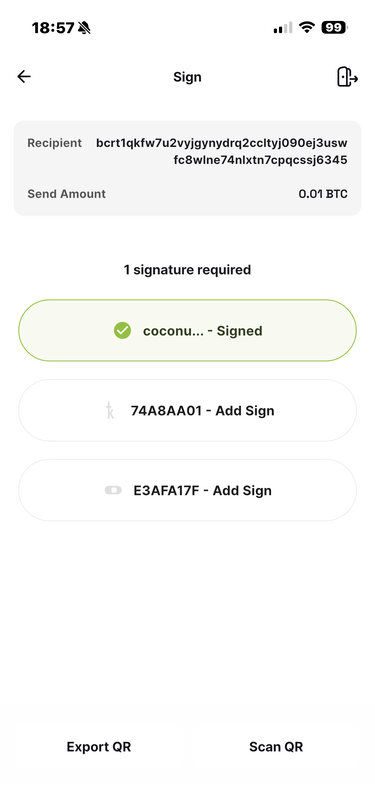
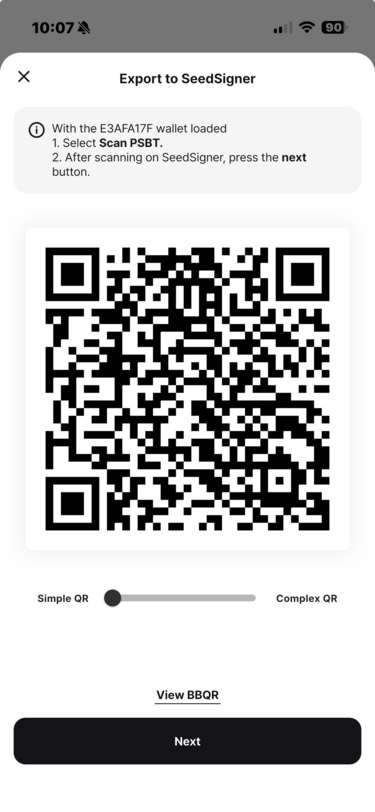
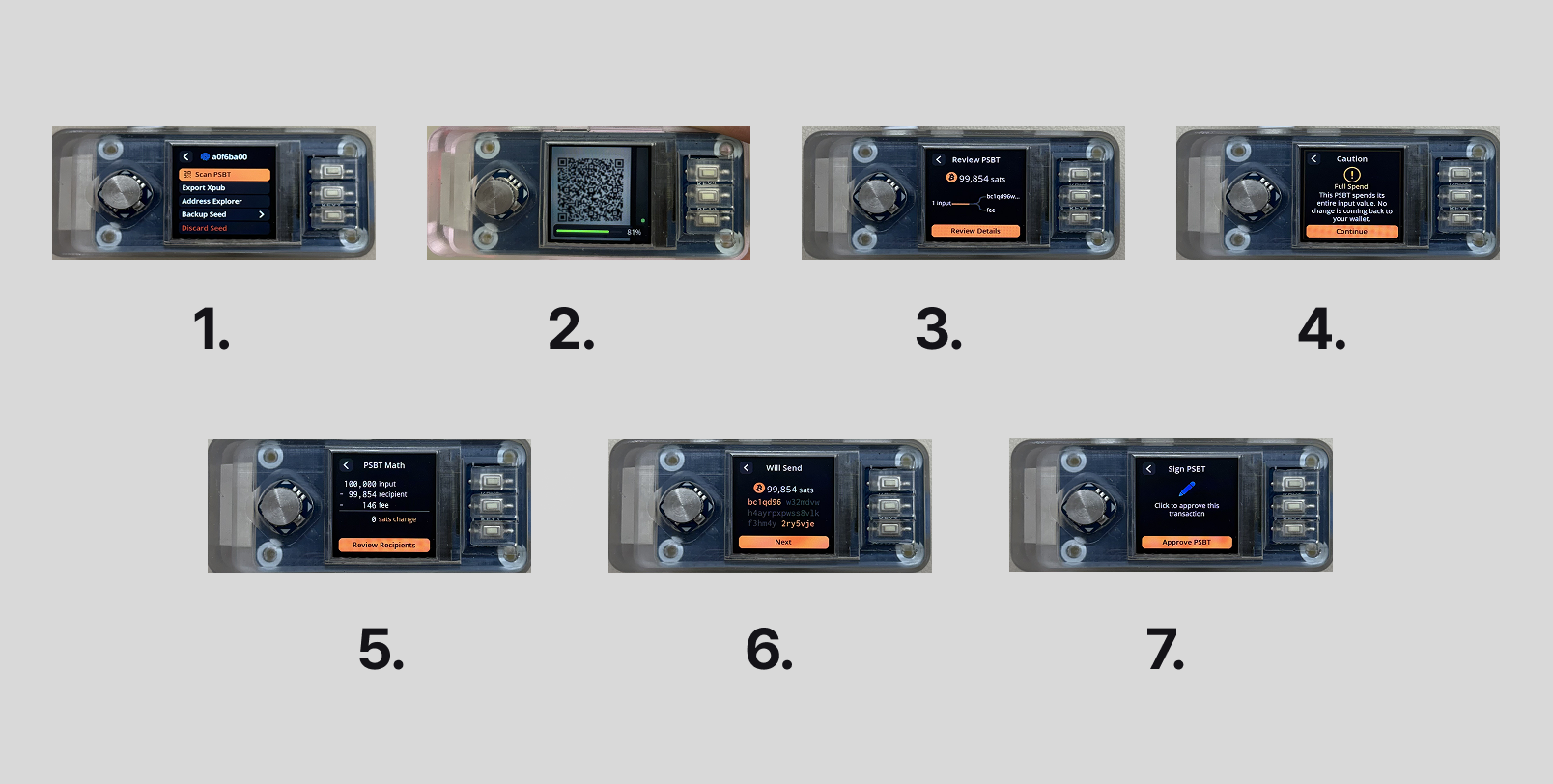
Sign with SeedSigner (2 of 2)
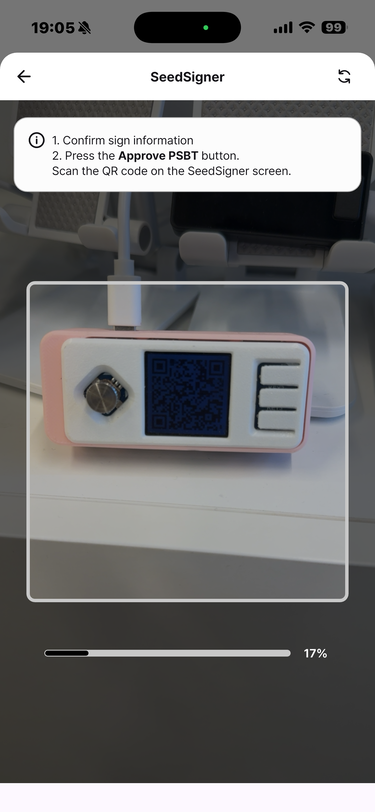
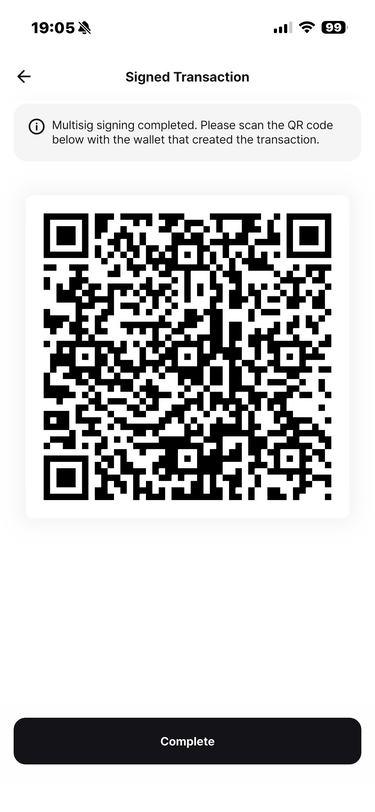
Once both required signatures are collected, the signed QR code appears.
In Wallet's signed-transaction scanner, scan the QR code shown by Vault.
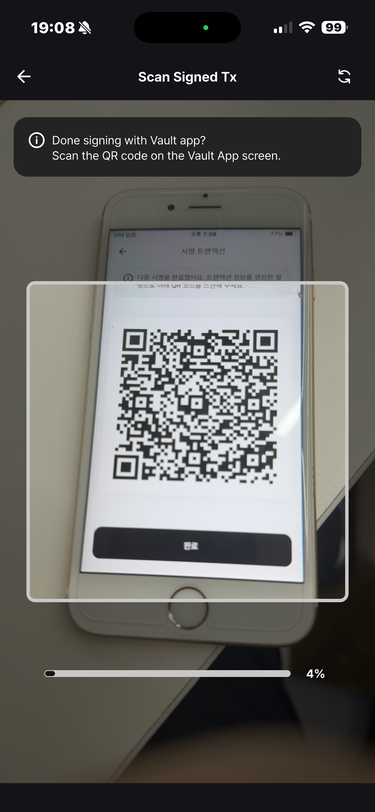
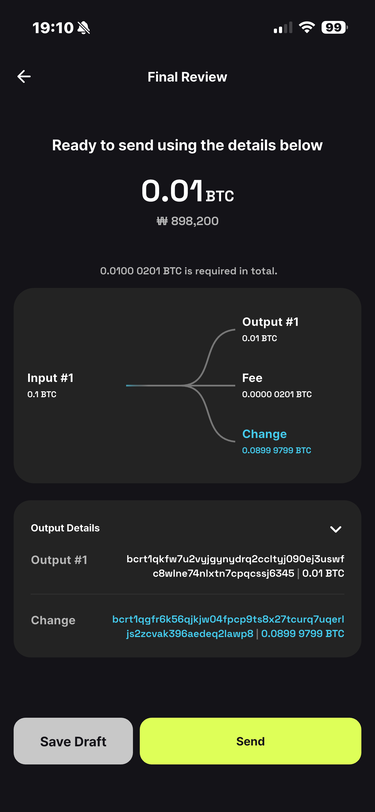
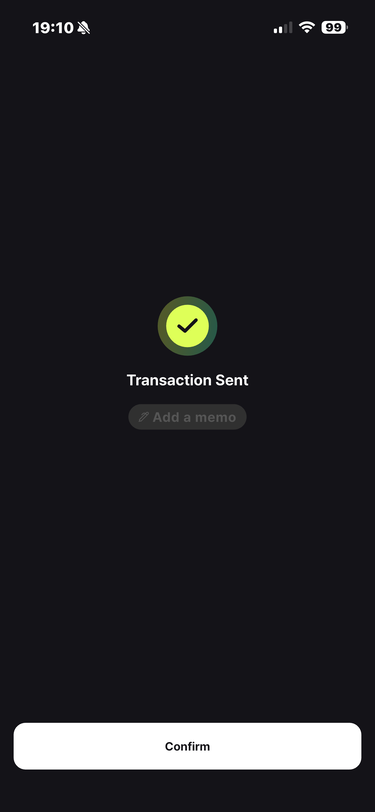
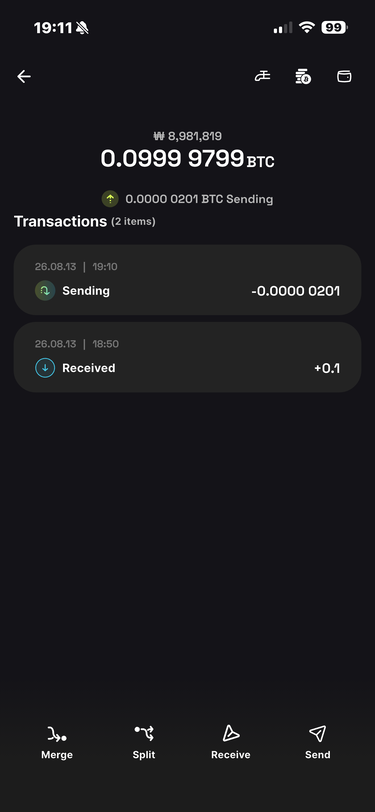
When the scan completes, review the transaction again. Tap [Send] to broadcast it.
You are done.