
Edit Wallet Information
You can assign and change a wallet's name, icon, and color to match its purpose.
A watch-only wallet is a copy for monitoring. To change its display information, edit the wallet in Vault, then update the watch-only wallet in Wallet.
1️⃣ Edit the information in Vault
Open the information screen for the wallet you want to edit.
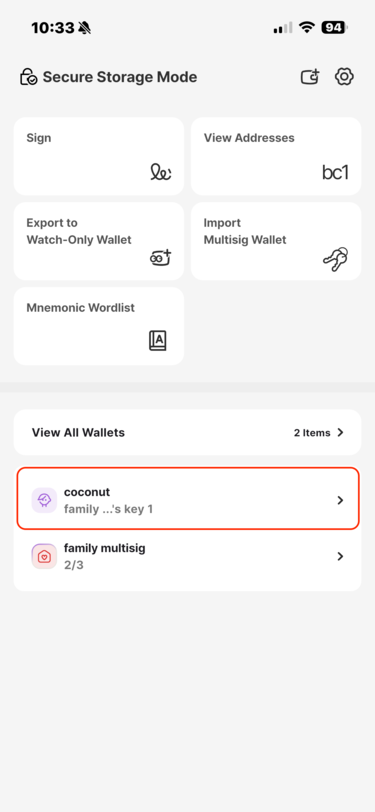
Home → select the wallet → Wallet Information
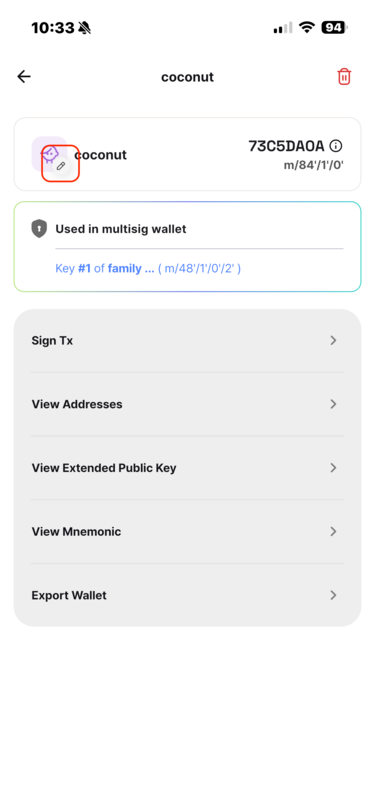
Tap the edit icon on the wallet information screen.
Choose a new name, icon, or color. A name already used by another wallet cannot be selected.
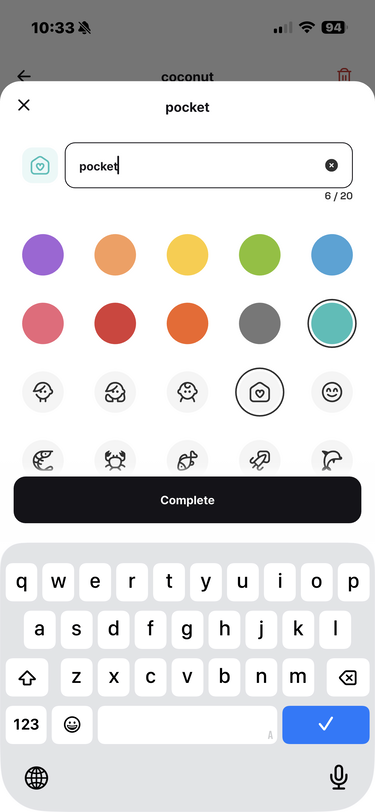
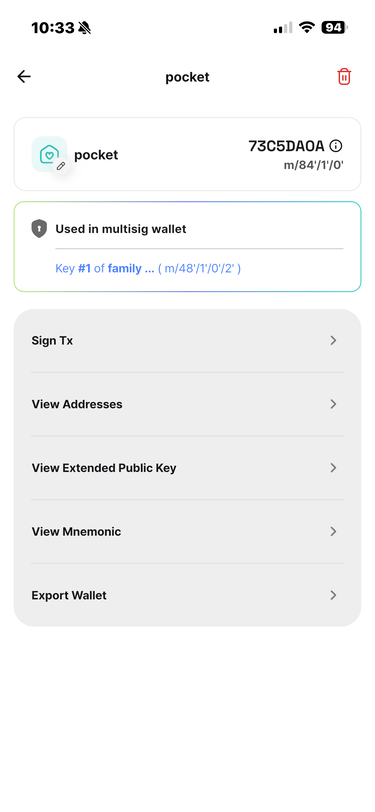
The name, color, and icon have all been changed.
To apply the changes in Wallet, return to the Vault home screen and select the wallet → Export Wallet Information. A QR code appears.
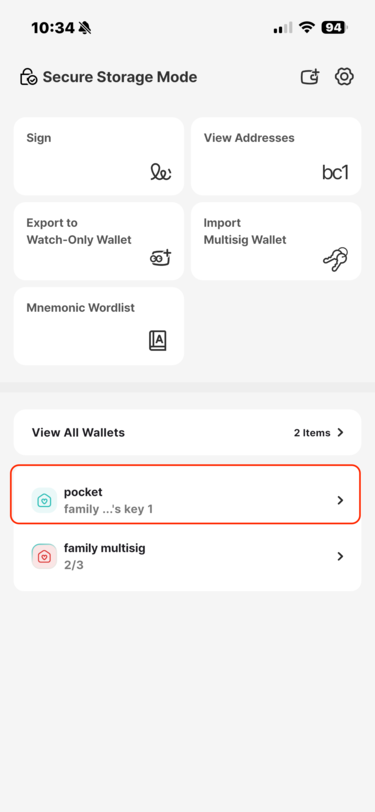
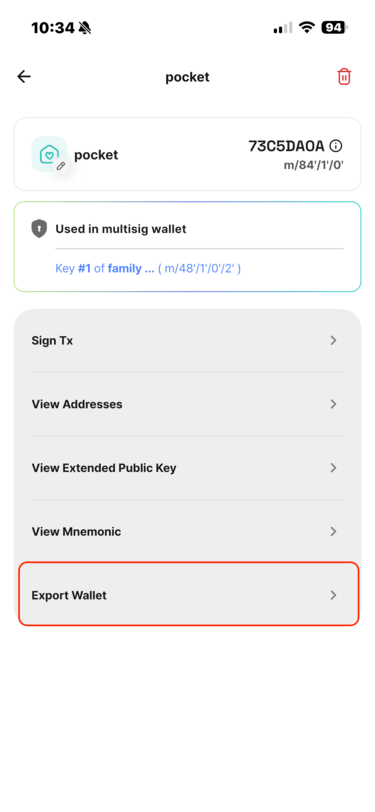
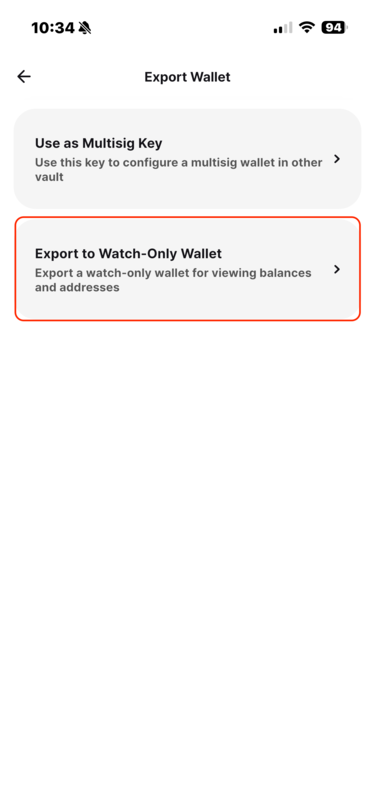
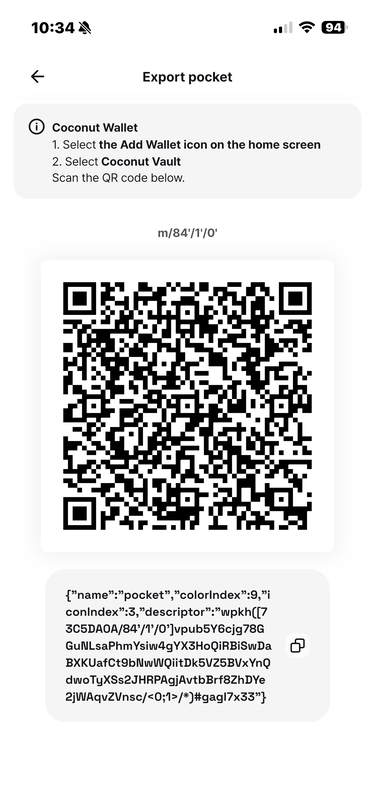
Home → select the wallet → Export
Follow the instructions on Vault's Export screen and scan the QR code with Wallet.
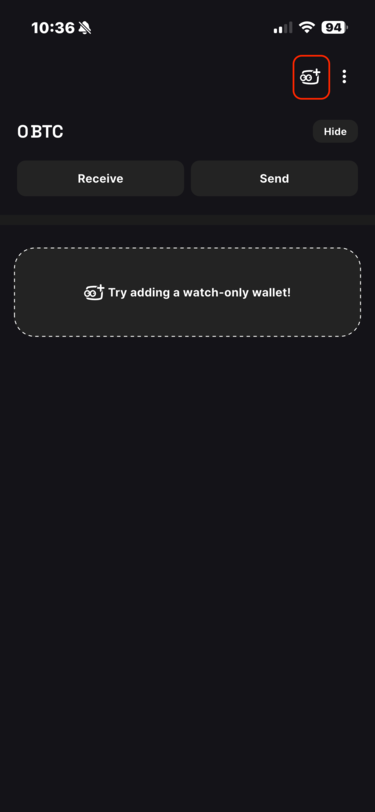
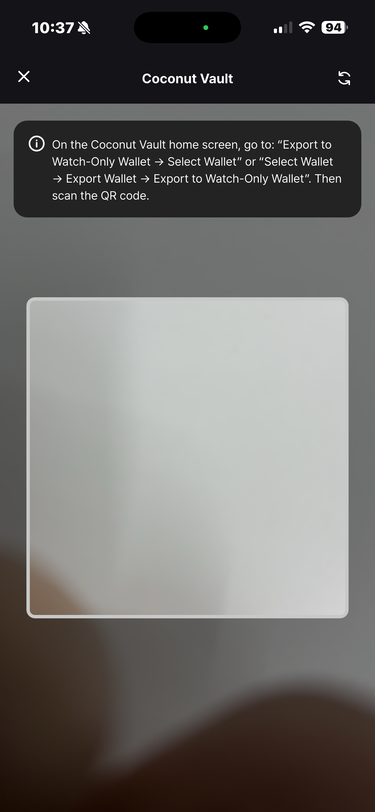
The wallet information is now updated.
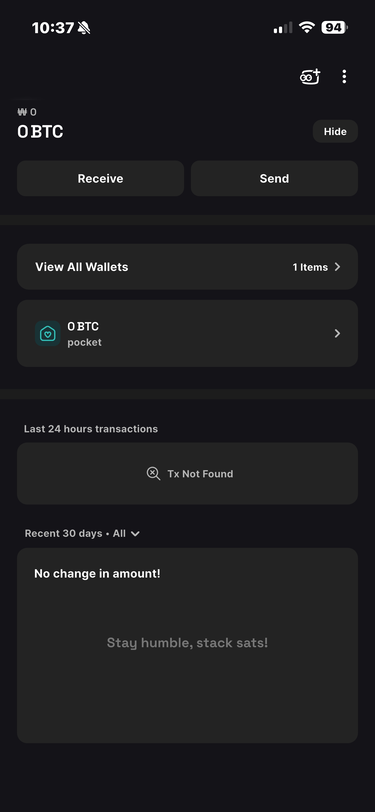
Whenever you change wallet information, update Wallet immediately to avoid confusion.